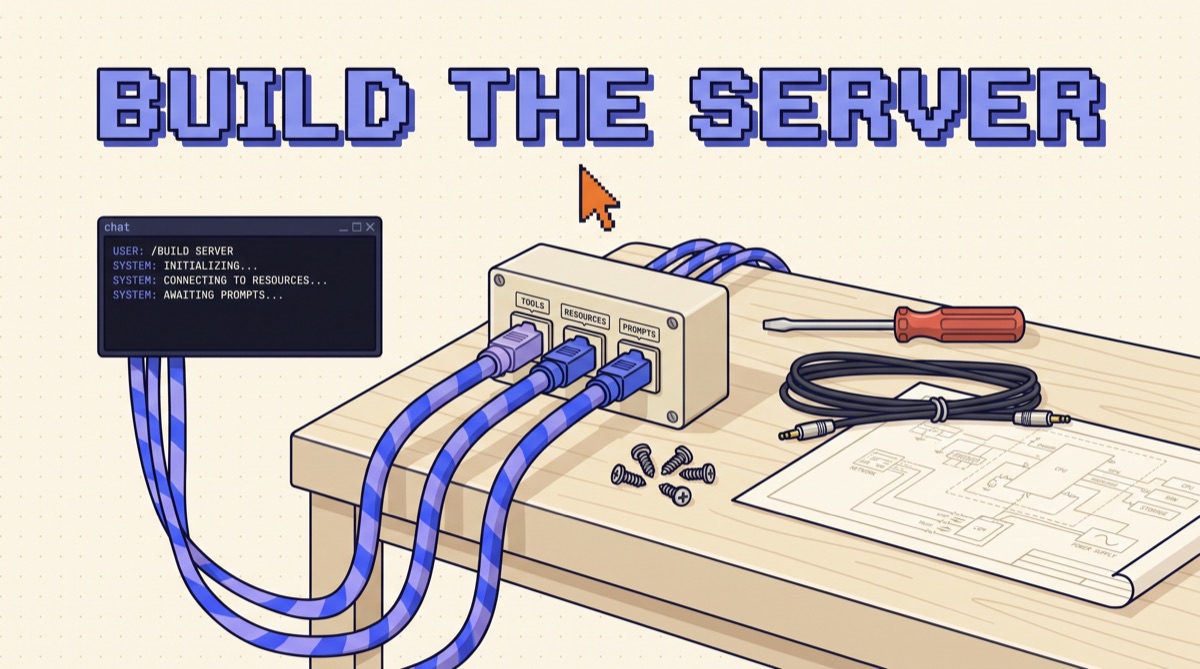
To build an MCP server, install the official MCP SDK, create a server object, and register your functions as tools with clear names, descriptions, and typed inputs. Run it over stdio, test it with the MCP Inspector, then add it to a client like Claude Desktop or Claude Code. A working Python server is about 30 lines. Most of the effort goes into choosing which tools to expose.
I've built a handful of these for my own stack and for clients. The code takes an afternoon. What separates a server the model uses well from one it fumbles is tool design and testing, so this guide spends its time there.
If you want the concept first, read what an MCP server is. This post is the build.
01TL;DR
- An MCP server is a small program that exposes tools, resources, and prompts. Tools do most of the work. Start with those.
- A first server is about 30 lines of Python using the official SDK's
FastMCPclass. The decorator reads your type hints and docstring and builds the schema. - Start on stdio, on your own machine. Move to Streamable HTTP only when other people or other machines need the same server.
- Test with the MCP Inspector before you touch a chat client. It shows the exact schema and raw output the model will see.
- Ship 3 to 7 task-shaped tools. Every definition costs context on every request.
02What you're building
An MCP server is a process that speaks the Model Context Protocol to a client. The client is the AI app: Claude Desktop, Claude Code, Cursor, or an agent you wrote. On connect, the client asks the server what it offers, then passes that list to the model.
A server can offer three things:
- Tools are functions the model can ask to run.
search_invoices,create_ticket,run_query. - Resources are read-only data the app can load into context, addressed by a URI. A schema file, a style guide, a customer record.
- Prompts are reusable templates the user picks, often from a slash menu.
Client support for resources and prompts varies. Tools work everywhere. A server with three good tools and nothing else is a complete server.
03Build a working server in 30 lines
The example is a notes server: search a folder of markdown files and read one. It's read-only, which is the right place to start.
Set up the project. I use uv, but pip works the same way.
uv init notes-server && cd notes-server uv add "mcp[cli]"
Then write server.py:
from pathlib import Path from mcp.server.fastmcp import FastMCP

NOTES = Path.home() / "notes" mcp = FastMCP("notes")

@mcp.tool() def search_notes(query: str, limit: int = 5) -> list[dict]:
    """Search my markdown notes for a word or phrase.
    Use when the user asks what they wrote about a topic.
    Returns matching file names with one line of context each.""" hits = [] for path in sorted(NOTES.glob("*.md")):
        for line in path.read_text().splitlines():
            if query.lower() in line.lower():
                hits.append({"file": path.name, "line": line.strip()[:200]}) break if len(hits) >= limit:
            break return hits

@mcp.tool() def read_note(file: str) -> str:
    """Read the full text of one note. Pass a file name from search_notes.""" path = (NOTES / file).resolve() if NOTES.resolve() not in path.parents:
        raise ValueError("File is outside the notes folder") return path.read_text()[:20000]

if __name__ == "__main__":
    mcp.run()
Four things in that file matter more than they look.
The docstring is the tool description. The SDK turns the type hints into a JSON schema and the docstring into the description the model reads. Write it for the model: what the tool does, when to use it, what comes back.
The outputs are trimmed. One line of context per hit, 200 characters each, a 20,000 character cap on a full note. Whatever a tool returns lands in the model's context window and stays there.
The path is checked. The model supplies file, and the model can be wrong or steered by text it read. Treat every argument as untrusted input, the same as a web form.
mcp.run() defaults to stdio. That's the local transport, and it's all you need for now. SDK details shift between versions, so check the current docs if an import fails.
04Test it before you connect a model
Skip the chat client for the first round. Run the MCP Inspector instead:
uv run mcp dev server.py
It opens a local web page that lists your tools, shows the schema for each, and lets you call them with arguments you type in. This is where you find out that a description got cut off, a parameter has no type, or search_notes returns 40,000 characters.
My check before moving on is short:
- Read each tool's name and description cold. Could you pick the right one without seeing the code?
- Call each tool with a normal input, an empty input, and a bad input.
- Look at the size of every response. If it's more than a screen, trim it.
- Confirm errors come back as clear messages the model can act on, like "No note named roadmap.md. Call search_notes first."
One trap catches almost everyone on stdio. The protocol runs over standard output, so a stray print() corrupts the stream and the client drops the connection with an unhelpful error. Log to stderr or to a file.
05Connect it to a client
For Claude Desktop, open Settings, then Developer, then Edit Config, and add the server to claude_desktop_config.json:
{
  "mcpServers": {
    "notes": {
      "command": "uv",
      "args": ["--directory", "/absolute/path/to/notes-server", "run", "server.py"]
    }
  }
}
Use absolute paths. Restart the app and the tools show up in the chat's tool list.
For Claude Code, it's one command:
claude mcp add notes -- uv --directory /absolute/path/to/notes-server run server.py
Now run real tasks. Ask "what did I write about pricing last month?" and watch which tool gets called and with what arguments. If the model picks wrong or passes odd arguments, the fix is almost always the description, not the code. If you want ideas for which servers are worth having beyond your own, my MCP Big Three guide covers the ones I'd install first.
06Stdio or HTTP: pick the transport
There are two standard transports, and the choice changes how much work you're signing up for.
Stdio means the client starts your server as a child process and they talk over stdin and stdout. Nothing listens on a port. Credentials come from environment variables on your machine. For a tool only you use, this is the whole deployment.
Streamable HTTP means the server runs at a URL and clients connect to it. In the Python SDK the switch is one argument, mcp.run(transport="streamable-http"). The code change is small. The responsibility change is large: you now host a service, put it behind TLS, authenticate users (the spec uses OAuth), and make sure each request only touches that user's data. A shared API key baked into a remote server means every user acts with the same permissions, which is how data leaks between customers.
My rule: stay on stdio until a second person asks for the server.
07Design tools the model can use
The most common mistake is wrapping an existing API one endpoint per tool. A 40-endpoint API becomes 40 tools, the definitions eat thousands of tokens on every request, and the model has to chain five calls to do one job.
Design around tasks instead.
- One tool per job, not per endpoint.
find_customer_orders(email)beats making the model callget_customer, thenlist_orders, thenget_orderthree times. - Name by action and object.
search_notes,create_invoice. Prefix with the service if the server will sit next to others, likenotes_search. - Constrain inputs. Use enums and defaults.
status: Literal["open", "paid", "overdue"]removes a whole class of bad calls. - Return less. Send the five fields the task needs, not the raw API payload. Add a
limitparameter with a low default. - Write errors as instructions. "Date must be YYYY-MM-DD" lets the model fix its own call on the next turn.
I went deeper on this in how to design tools for an AI agent. Everything there applies to MCP tools unchanged.
08Lock it down before you share it
A server is code that runs with your permissions, driven by a model that reads untrusted text. Before anyone else installs it:
- Start read-only. Ship search and read first. Add writes one at a time, when a real task needs them.
- Scope the credentials. Give the server a database user or API token that can only do what its tools do. If the tool reads invoices, the token shouldn't be able to delete them.
- Mark and gate destructive tools. The protocol supports annotations such as a read-only or destructive hint, and good clients ask the user before running risky ones. Don't count on that alone. Put hard limits in your own code, like a maximum refund amount.
- Assume tool output can carry an attack. A note, a ticket, or a web page your tool returns may contain text written to steer the model. That's prompt injection, and it's why one server shouldn't combine private data access with the ability to send things out.
- Keep secrets out of the repo. Read them from the environment, and document which ones are needed.
09The bottom line
Building an MCP server is a small amount of code wrapped around a few decisions. Pick 3 to 7 tools shaped like whole tasks. Write descriptions for the model. Trim what comes back. Test in the Inspector before a chat client. Stay on stdio until someone else needs it, and scope the credentials before they do.
To try it tonight, take one read-only function you already run by hand, a search over your notes, a lookup in your CRM export, a query against a local database, and wrap it with the 30-line pattern above. Add it to Claude and ask three real questions. You'll learn more from watching which arguments the model sends than from any spec page.
I send builds and breakdowns like this in the newsletter, if you want the next one.
Frequently asked
How do I build an MCP server?
Install the official MCP SDK for your language, create a server object, and register functions as tools with a name, a description, and typed inputs. Run it over stdio for local use, test it with the MCP Inspector, then add it to a client such as Claude Desktop or Claude Code through its config. A first server with two tools takes about 30 lines of Python.
What language should I use to build an MCP server?
Use the language your existing code is in. The official SDKs cover Python and TypeScript, along with several others, and the protocol is the same in all of them. Python is the shortest path if your logic is data or scripts. TypeScript fits if you're wrapping a Node service or want to publish to npm so users can run the server with npx.
What is the difference between stdio and HTTP for an MCP server?
With stdio, the client launches your server as a local process on the same machine and talks to it over standard input and output. It needs no network and no auth, and it suits personal tools. Streamable HTTP runs the server at a URL so many users and clients can connect to one deployment. That needs hosting, authentication, and per-user permissions.
How many tools should an MCP server have?
Fewer than you think. Every tool definition is loaded into the model's context, so a server with 40 tools costs tokens on every request and makes tool selection less accurate. Start with 3 to 7 tools that map to whole tasks, such as search_invoices, instead of mirroring every API endpoint. Add a tool only when a real task fails without it.
Do I need an MCP server or just function calling?
If the tool is only used inside one app you control, plain function calling is less work. Build an MCP server when you want the same tool available in several clients, such as Claude Desktop, Claude Code, and your own agent, or when other people need to install it. MCP is packaging and distribution. The model still requests the tool through function calling.