Vibe coding is building software by describing what you want to an AI model in plain English, running what it builds, and steering by the result instead of reading every line of code. You say "add a login page and a dashboard that lists my invoices," you click around, and you tell it what is wrong. It is the fastest way to get from idea to working app, and the fastest way to ship a broken one if you skip the checks.
Andrej Karpathy named it in February 2025. Since then it went from a joke on X to how a lot of internal tools, prototypes, and side projects get built. I vibe code most of my small tools and a good share of client prototypes. Here is what actually works.
01TL;DR
- Vibe coding = describe, run, react. You judge the app by what it does, not by reading the diff.
- It is great for prototypes, internal tools, and personal apps. It is risky for auth, payments, and anything holding other people's data.
- The loop matters more than the tool. Small asks, run it every time, commit when it works, roll back when it does not.
- Write the spec before the first prompt. Ten lines of "who, what, done when" saves hours of drift.
- Add a vibe check before launch. Secrets, database access rules, and a test on every flow that touches money.
02What vibe coding actually is (and is not)
The old workflow was: you write code, the computer runs it. The AI-assisted workflow was: the AI suggests code, you read it, you accept it. Vibe coding moves one step further. You hand over the writing and most of the reading, and you stay in charge of two things: the intent and the verdict.
That distinction matters. Vibe coding is not "the AI does everything." You are still the product manager and the QA team. You decide what gets built, you notice that the save button does nothing on mobile, and you decide when it is done. What you stop doing is caring which file the fix landed in.
It is also not the same as using a coding agent responsibly in a codebase you maintain. A senior engineer using Claude Code on a production repo reviews diffs, runs tests, and owns the architecture. Most real work sits on a slider between those two modes. The skill is knowing where on the slider each task belongs.
03When vibe coding works and when it breaks
Vibe coding pays off when a mistake is cheap to notice and cheap to undo. It hurts when a mistake is invisible until it costs you.
Good fits:
- Prototypes and demos. You need something clickable for a pitch on Thursday. Nobody cares how the CSS is organized.
- Internal tools. A dashboard that pulls your Stripe numbers into one page, a form that writes to a spreadsheet, a script that renames 400 files.
- Personal apps. A habit tracker, a recipe scaler, a tool only you will ever open.
- Throwaway experiments. Testing whether an idea is worth building properly.
Bad fits without extra review:
- Authentication and permissions. The login page works. The question is whether user A can read user B's records by changing an ID in the URL. You will not find that by clicking around.
- Payments. Webhooks, retries, refunds, and double charges fail in ways the happy path never shows.
- Anything with other people's personal data. A database with no access rules looks identical to one with them, right up until someone reads the whole table.
- Large codebases you will maintain for years. Unreviewed code piles up as duplication and dead ends that slow every later change.
04Pick your tool by where the app will live
There are two families of vibe coding tools, and the choice is mostly about where the app needs to end up.
Browser app builders like Lovable, Bolt, Replit, and v0 take a description and give you a running, hosted app with no setup. They are the best on-ramp for non-developers and the fastest path to a first version. Most wire in a database and auth for you, usually Supabase.
Coding agents like Claude Code, Cursor, and Codex work inside a real project folder on your machine or in a repo. You get version control, tests, your own deploy pipeline, and full control. They have more setup and they reward some code literacy.
A common path: build version one in a browser builder, export or sync it to GitHub, then keep developing it with a coding agent once real users show up. If you want my current picks for the design side of this, the design stack resource lists the tools I actually use to make AI-built apps not look AI-built.
05Write a ten-line spec before the first prompt
The most common vibe coding failure is drift. You start with "a tool to track client invoices," and forty prompts later you have half a CRM, three color schemes, and a settings page nobody asked for. The fix costs five minutes.
Before the first prompt, write this and paste it in:
App: Invoice tracker for a 3-person agency
Users: me and 2 teammates, all logged in
Must do:
1. List invoices with client, amount, due date, status
2. Mark an invoice paid
3. Show total overdue at the top
Not in v1: PDFs, email reminders, multi-currency
Done when: I can add 5 invoices, mark 2 paid, and the overdue total is right
Stack: Next.js + Supabase, deploy on Vercel
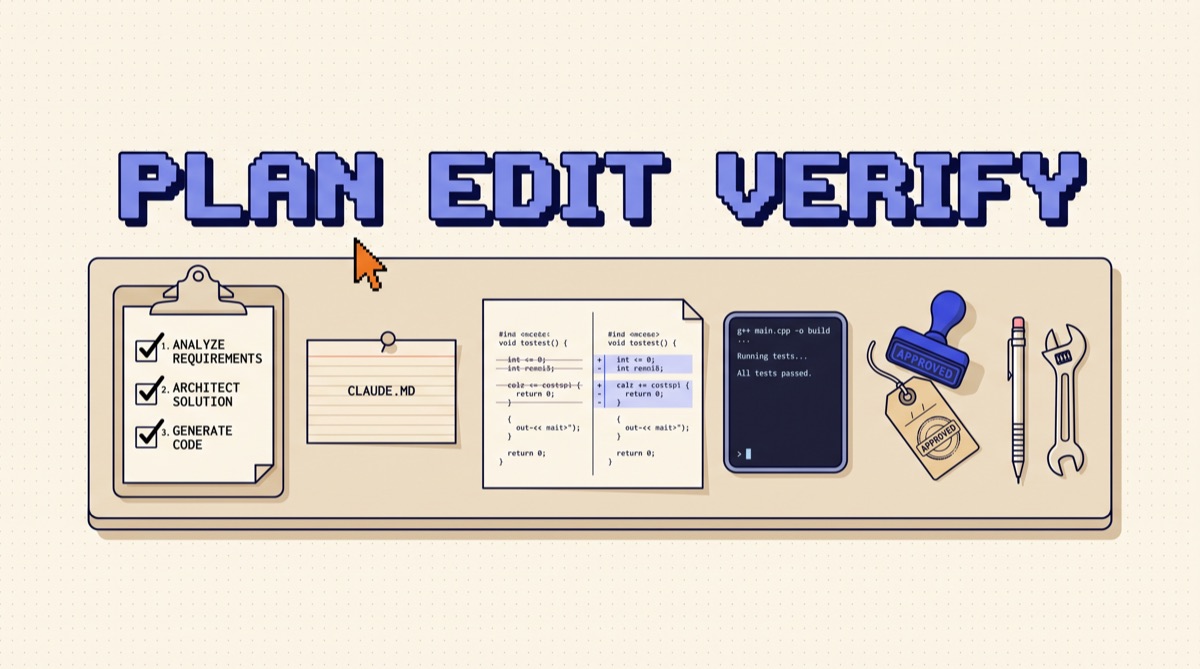
The "not in v1" line does the most work. AI builders love to add features, and every feature is more surface area for bugs. The "done when" line gives you, and the model, a test to aim at. Keep the spec in a file in the project (a README or a CLAUDE.md) so it survives a fresh session.
06The vibe coding loop that keeps you out of trouble
Once the spec exists, every change follows the same short loop. This is the part that separates people who ship from people who end up with an app that half works and nobody can fix.
- One small ask per turn. "Add a paid/unpaid toggle to each invoice row" is a good ask. "Make the invoices page better" is not. Small asks produce small diffs, and small diffs break in obvious ways.
- Run it every single time. Click the actual button. On mobile too, if users will be on phones. The AI saying "done" is not evidence.
- Commit when it works. In a coding agent, that is a git commit. In Lovable or Replit, it is the version history. A checkpoint is what makes the next risky change cheap.
- Describe bugs, do not diagnose them. "Clicking Mark Paid shows a success toast but the row still says Unpaid after refresh" beats "fix the database." Give the exact steps and what you saw. Paste the error text if there is one.
- Two strikes, then roll back. If two fix attempts fail, the model is usually patching on top of a wrong assumption. Roll back to the last checkpoint and re-ask with what you learned. This one rule saves more hours than any prompt trick.
If you want this loop to run on its own for bigger jobs, the write loops, not prompts resource shows how I turn it into a repeatable instruction an agent can follow without me typing each turn.
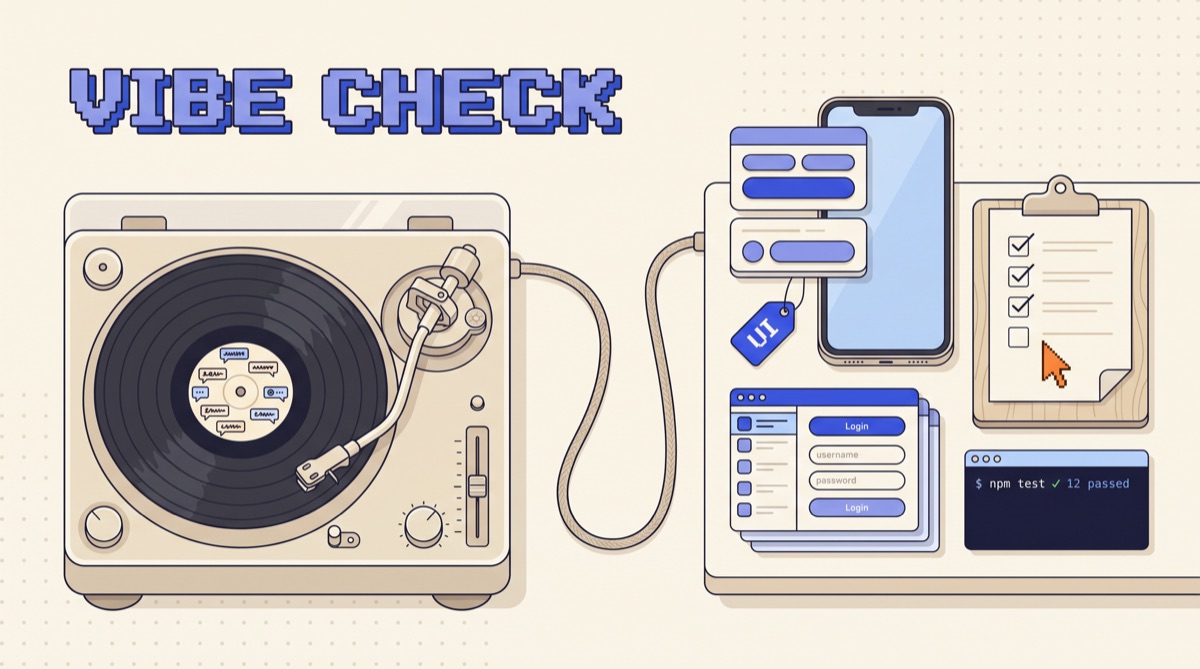
07The vibe check: five things before real users touch it
The app works on your laptop. Before you send the link to anyone outside your team, run these. Each one is a real failure I have seen in AI-built apps.
- No secrets in the frontend. Search the code for
sk_,api_key, andsecret. Any key that lives in browser code is public. Move it to a server function or environment variable. - Database access rules are on. If you use Supabase, row-level security must be enabled on every table, with policies that limit each user to their own rows. Test it: log in as user A, try to load user B's record by ID.
- Inputs are validated on the server. The form checks that the amount is a number. Does the API? Anyone can skip your form and call the endpoint directly.
- Money flows have tests. For payments, write or ask for tests that cover success, failure, a duplicate webhook, and a refund. Run them before every deploy.
- Ask for a security review in a fresh session. A new chat with no memory of building the app, pointed at the code with "review this for auth bypass, exposed secrets, and missing access checks, list issues by severity." A fresh context finds things the builder session talked itself out of.
None of this requires you to read the whole codebase. It requires you to check the five places where "looks fine" and "is fine" split apart.
08Prompts that make vibe coding faster
A few phrasings that consistently save turns:
- "Before you write code, list the files you will change and why." Catches a wrong plan before it becomes a wrong diff.
- "Keep the existing design. Only change what is needed for this feature." Stops the surprise redesigns.
- "Add a short comment where you made an assumption." Turns hidden guesses into things you can spot.
- "What would break if 100 people used this at once?" Surfaces rate limits, missing indexes, and race conditions while they are still cheap.
- "Explain this file to me like I will maintain it." The fastest way to pick up the code literacy you need, one file at a time.
09The bottom line
Vibe coding is a real way to build software in 2026, not a toy. Use it where mistakes are cheap: prototypes, internal tools, personal apps. Write a ten-line spec first, keep every ask small, run the app after every change, commit what works, and roll back after two failed fixes. Before real users show up, run the vibe check on secrets, access rules, validation, money flows, and a fresh-session security review. Do that and you get the speed without the 2 a.m. incident.
I send one practical build like this every week, with the prompts and tools I am actually using. Join the newsletter to get the next one.
Frequently asked
What is vibe coding?
Vibe coding is building software by describing what you want to an AI model in plain language, running what it produces, and steering by the result instead of reading every line. Andrej Karpathy coined the term in February 2025. It works well for prototypes, internal tools, and personal apps, and it needs extra checks before anything touches real users, money, or private data.
Can you vibe code without knowing how to code?
Yes, for small apps. Tools like Lovable, Bolt, Replit, and v0 let a non-developer go from a description to a working, hosted app in an afternoon. The limit shows up when something breaks in a way the AI cannot fix by itself, or when the app needs logins, payments, or a database with real data. At that point you need either basic code literacy or someone who has it to review.
What are the best tools for vibe coding?
Browser app builders (Lovable, Bolt, Replit, v0) are best for a first version with no setup. Coding agents that run in your own project (Claude Code, Cursor, Codex) are best once the app lives in a real repo and needs tests, version control, and deploys. Many builders start in the first group and move to the second when the app matters.
Is vibe coding safe for production apps?
Only with guardrails. AI-written code often ships with exposed API keys, missing access rules on the database, and no input validation, because the app looked like it worked. Before launch, keep secrets out of the frontend, turn on row-level security or equivalent access rules, run a security review prompt, and have tests for the flows that touch money or user data.
What is the difference between vibe coding and AI-assisted coding?
In AI-assisted coding a developer reads and owns every change, and the AI speeds up typing. In vibe coding you judge the output by behavior: does the app do the thing. Most real work sits between the two. The practical rule is to vibe the parts that are cheap to redo and review the parts that are expensive to get wrong.