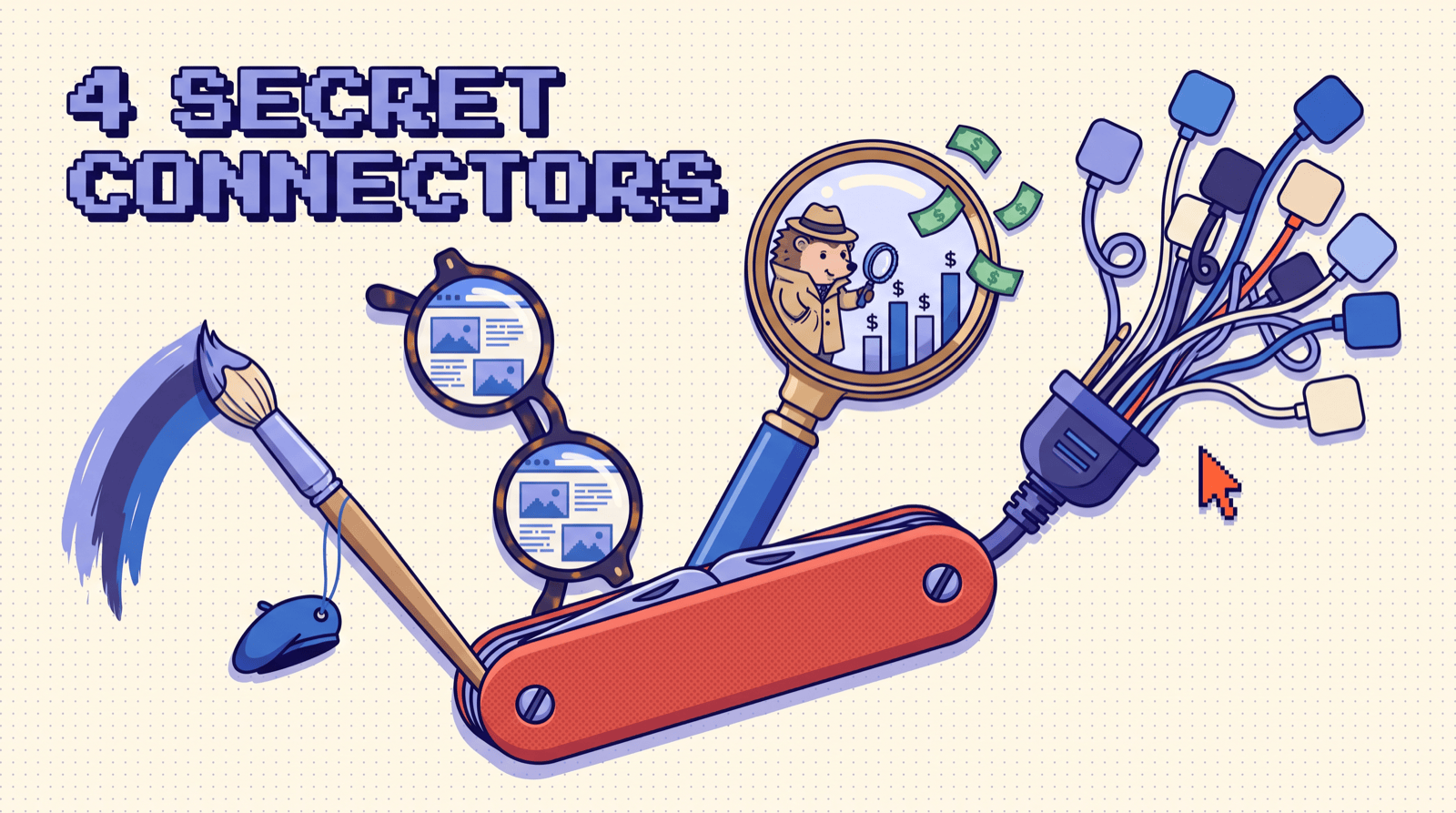
Don't use Claude again until these four are installed. Paste the one prompt on the next page into Claude Code and it wires up all four, or follow the install for each one in the Claude app.
The one prompt
- 01
 Claude CodeOpen it in any folder
 - 02Paste the promptAdds Canva, Context.dev, PostHog, Composio
- 03
/mcpSign in to Canva, Context.dev and PostHog - 04

composio loginApproves Composio in your browser
Open Claude Code in any folder and paste this:
Set up four connectors for me at user scope, then tell me exactly what I need to click to finish.

1. Canva. Run:
   claude mcp add --transport http --scope user canva https://mcp.canva.com/mcp

2. Context.dev. Run:
   claude mcp add --transport http --scope user context https://mcp.context.dev/mcp

3. PostHog. Run:
   claude mcp add --transport http posthog https://mcp.posthog.com/mcp -s user

4. Composio. Install the Composio CLI:
   curl -fsSL https://composio.dev/install | sh then run composio login and wait for me to approve it.

When you're done, run `claude mcp list` and show me the result.
Remind me to run /mcp to sign in to Canva, Context.dev and PostHog.
Restart Claude Code, run /mcp, sign in to Canva, Context.dev and PostHog in the browser, and you're live.
The stack
ClaudeFour connectors, one setup CanvaYour personal designer: posts, decks, edits
 Context.devEyes on the internet: scrape, copy, research
 PostHogYour private investigator: bugs, lost money
- ComposioEvery app you use, connected at once
| # | Connector | What it gives Claude |
|---|---|---|
| 01 | Canva |
A personal designer: social posts, presentations, edits to old designs |
| 02 | Context.dev |
Eyes on the internet: scrape and copy sites, pull brand kits, research competitors |
| 03 | PostHog |
A private investigator: bugs, where you lose money, and the fix |
| 04 | Composio |
1,500+ apps through one connection |
Two places to install
- Claude app (desktop + web): directory connectors live under Customize → Connectors. Browse, or open the connector's directory page and click Connect. Then in a chat, + → Connectors to switch it on.
- Claude Code: one
claude mcp addline per connector, then run/mcpinside Claude Code to sign in.
Composio is the exception: it isn't in Claude's directory yet, so in the Claude app you add it as a custom connector, and in Claude Code you use its own CLI (below).
01Canva
This turns Claude into your personal designer. It creates social posts, builds presentations, and edits designs you already made, right from the chat. Every design opens in Canva for the final touch.
Get it here: claude.ai/directory/canva
Install
- Claude app: Canva is verified in Claude's directory. Customize → Connectors → search Canva → Connect, sign in, then switch it on in a chat under + → Connectors.
- Claude Code:
claude mcp add --transport http --scope user canva https://mcp.canva.com/mcp
Then /mcp → canva → sign in. Canva Free works. Brand Templates and Autofill need a paid plan, and new designs can use your Canva AI credits.
The tools you'll use first
generate-designmakes new designs from a prompt and gives you options to pick from.create-design-from-candidateturns your pick into an editable Canva design.start-editing-transaction,perform-editing-operations, andcommit-editing-transactionedit an old design. Nothing changes until the commit.search-designs,resize-design, andexport-designfind, resize, and ship it.
Run this first
Use Canva.

1. Create 3 Instagram post options announcing [YOUR LAUNCH] for [YOUR BRAND]. One bold headline, one line of copy.
2. Build a 6-slide presentation for the same launch: the problem, the product, 3 features, and a call to action.
3. Find my most recent flyer and update the dates and prices for this month. Show me before you commit.
02Context.dev
This lets Claude see the internet. Context.dev scrapes any page into clean markdown, copies a whole site's structure, pulls a company's entire brand kit (logos, colors, fonts), and does your competitive research.
Get it here: claude.ai/directory/context-dev
Install
- Claude app: open its directory page, click Connect, sign in, then switch it on in a chat under + → Connectors.
- Or by URL: add a custom connector with
https://mcp.context.dev/mcp. - Claude Code:
claude mcp add --transport http --scope user context https://mcp.context.dev/mcp
Then /mcp → context → sign in. Sign-in creates an API key called Context MCP in your account, and tool calls spend its credits.
The tools you'll use first
web-scrape-markdownturns any URL into clean markdown.get-brand,web-styleguide, andweb-fontspull logos, colors, and fonts.web-crawlandweb-searchto cover a whole site or find pages.web-screenshotwhen you want to see the page itself.
Run this first
Use Context.dev on [COMPETITOR].com.

1. Scrape the homepage to markdown and give me the full structure: hero, sections in order, every call to action.
2. Pull their brand kit: logo, colors, fonts.
3. Do the same for [COMPETITOR 2] and [COMPETITOR 3], then put all three side by side in one table.
03PostHog
This turns Claude into your private investigator. PostHog holds your analytics, funnels, session replays, errors, and feature flags. Connect it and Claude uncovers bugs, finds where you're losing money, and in Claude Code ships the upgrade to your website.
Get it here: posthog.com/mcp
Install
- Claude app: PostHog is a verified connector in Claude's directory. Customize → Connectors → search PostHog → Connect, then sign in.
- Claude Code:
claude mcp add --transport http posthog https://mcp.posthog.com/mcp -s user
Then /mcp and log in to PostHog in the browser. It routes you to your US or EU project automatically.
The tools you'll use first
query-error-tracking-issues-listuncovers the bugs your users actually hit.query-funnelandquery-funnel-actorsfind where people drop, and who.query-session-recordings-listshows the sessions behind a drop-off.create-feature-flagandfeature-flag-roll-out-to-everyoneship a fix safely.
Run this first
Use PostHog on my project for the last 30 days.

1. List the top 5 errors by how many users hit them, and the page each one happens on.
2. Where is the biggest drop-off between signup and paying?
   Show me the step and how many people we lose there.
3. Pull a session recording for 3 people who dropped. What were they trying to do?

Then give me the one fix that would move revenue the most.
04Composio
This connects all your apps to Claude at once. One connector, 1,500+ apps behind it: Gmail, Slack, Notion, Sheets, Linear, HubSpot, GitHub, and the long tail nobody else covers. You never set up apps one by one again: each one asks for its own login the first time Claude needs it.
Get it here: add Composio to Claude (Composio's own link, opens the form prefilled)
Install
- Claude app: Composio isn't in Claude's directory yet, so add it as a custom connector. Customize → Connectors → + → Add custom connector, name it Composio, paste
https://connect.composio.dev/mcp, click Add and sign in. The link above fills the form in for you. - Claude Code:
curl -fsSL https://composio.dev/install | sh
composio login
Or install it as a plugin from inside Claude Code: /plugin marketplace add ComposioHQ/composio-plugin-cc, then /plugin install composio@composio, then restart Claude Code.
How it works
Instead of 1,500 apps' worth of tools flooding Claude's context, Composio hands it a handful of meta-tools. COMPOSIO_SEARCH_TOOLS finds the right action, COMPOSIO_MANAGE_CONNECTIONS handles each app's login, and COMPOSIO_MULTI_EXECUTE_TOOL runs up to 50 actions in parallel.
Run this first
Every morning I want a brief. Check my Gmail for anything from a customer in the last 24 hours, check Linear for issues assigned to me, and post a 5-line summary to my
#daily Slack channel. Show me the draft before you post.
Stack them
One prompt, all four, in this order:
1. PostHog: find the page where I'm losing the most money this month, and the bugs people hit on it.

2. Context.dev: scrape the same page on my top 3 competitors and pull their brand kits. What are they doing on that step that I'm not?

3. Canva: design 3 social posts and a 5-slide deck that pitch the fix, in my brand colors.

4. Composio: post the deck to #growth in Slack and open a
   Linear issue for the fix. Show me both before sending.
Before you connect anything
- Start with PostHog. Your own numbers beat anything on the internet. Connect it here.
- Name the connector in your prompt. "Use Canva to…" is faster and cheaper than letting Claude guess.
- Watch your credits. Canva's AI actions can use your Canva AI credits, and Context.dev tool calls spend its credits.
- Stop before send. Composio sends real emails and real Slack messages. Ask for the draft first.
- Only add connectors you trust. A connector can feed instructions to Claude through what it returns. Canva and PostHog are verified in Claude's directory, Context.dev is listed as Community, and Composio is a custom connector.
Follow opusjake.ai for the rest of the stack.