

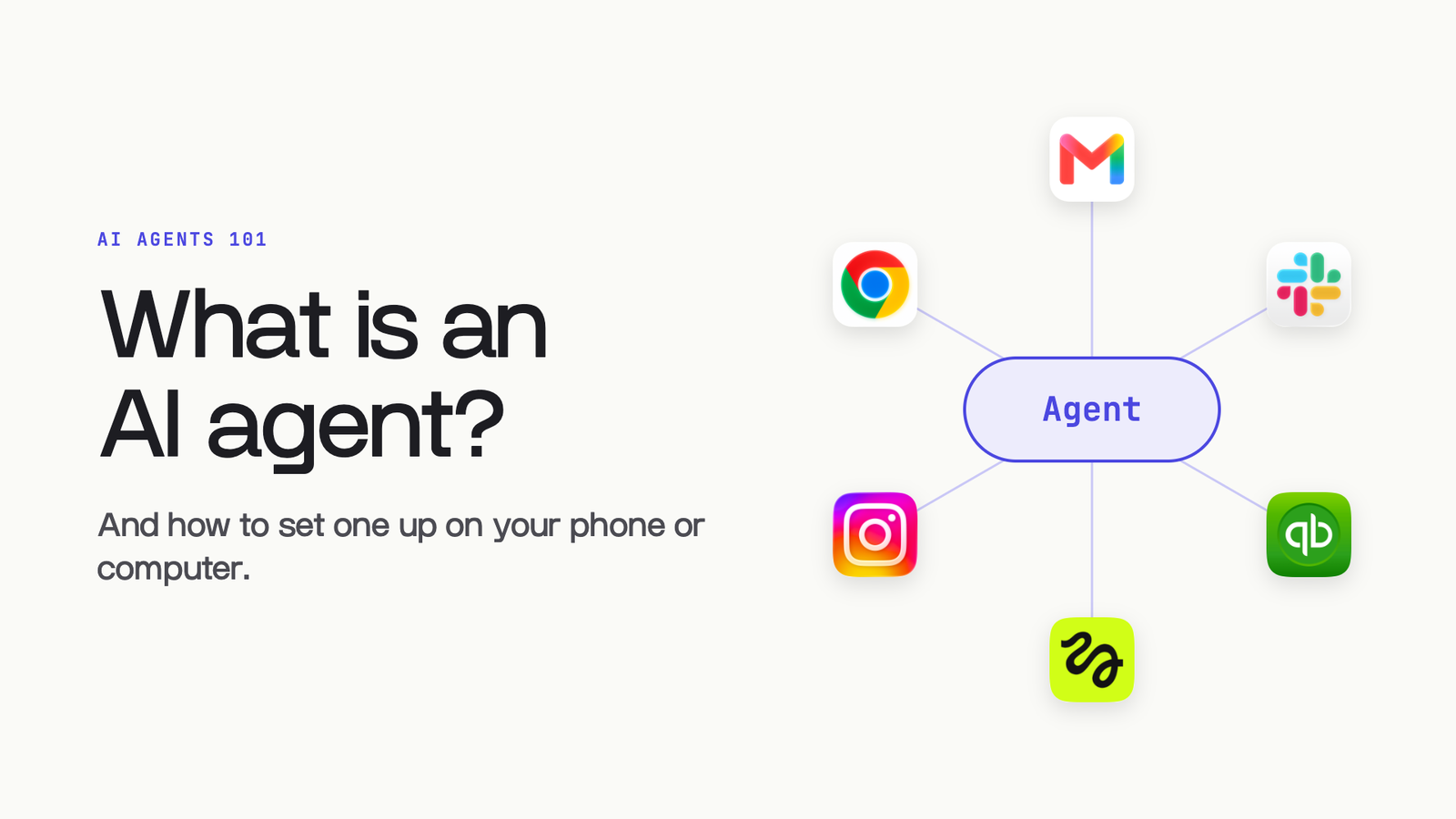
This is the take-home pack from the class. Set your agent up on your phone in five steps, give it context once, then hand it the tasks you wrote in your Notes app. Every prompt in here is copy-paste.
Set it up on your phone
- 01Connect your toolsGmail, Calendar, Slack, the apps you live in
- 02Start a projectIn the Claude or ChatGPT app
- 03Turn on Cowork or WorkCowork in Claude, Work in ChatGPT
- 04Get interviewedIt reads your email and writes about-me.md
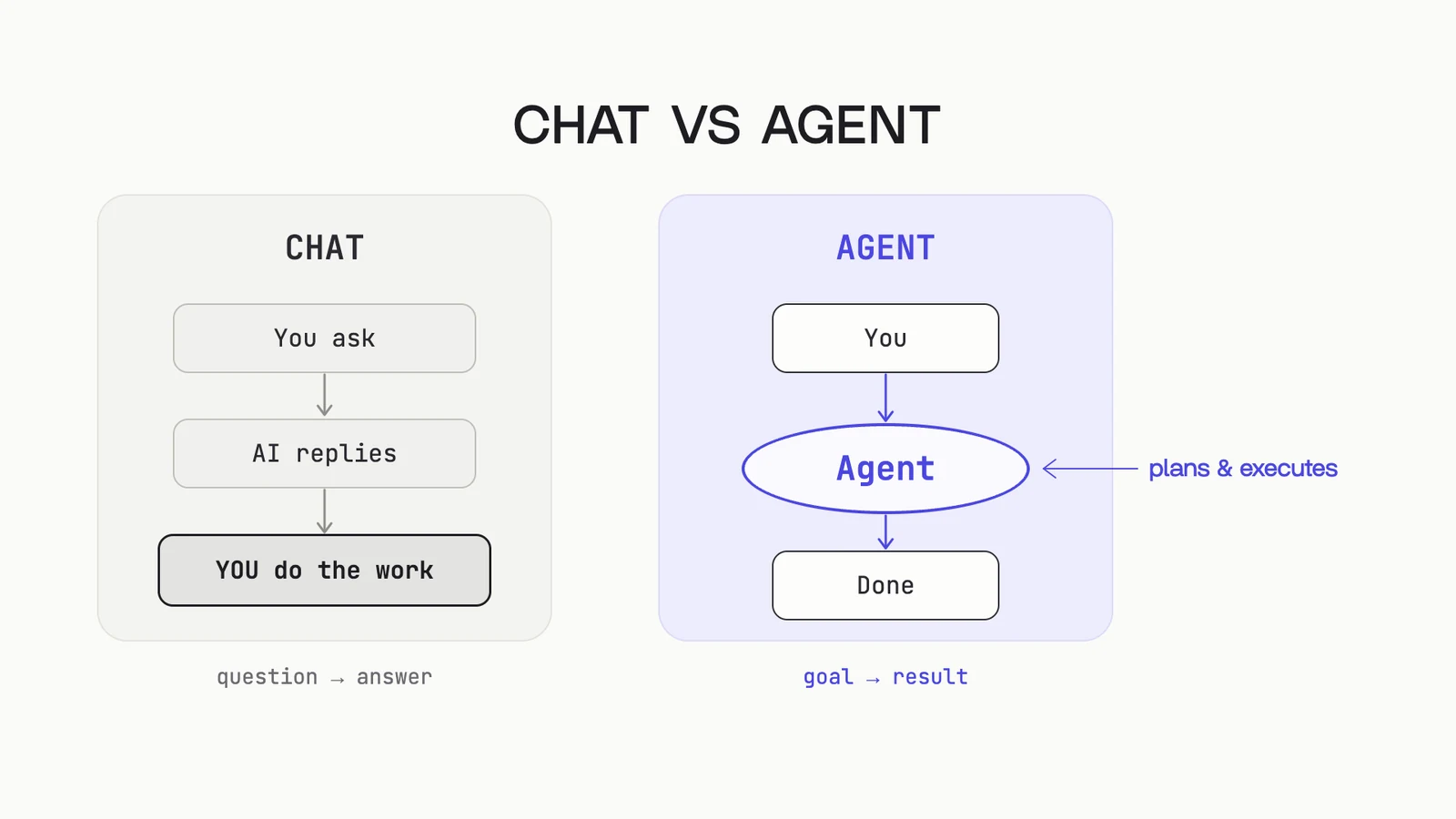
A chatbot answers questions. An agent takes a goal and comes back with the result. The difference is what you give it: context, tools and skills. This page gets all three in place.
Setup
- Connect your tools. In Claude or ChatGPT, open the connector list, tap Connect and sign in. Start with Gmail and Google Calendar.
- Start a project. One project per world: your business, your personal life, a side venture. Each one keeps its own context.
- Turn on Cowork in Claude, or Work in ChatGPT. That is the mode that takes actions across your apps instead of only answering.
- Paste the context prompt from the next page. It reads your email, interviews you and writes about-me.md.
- Add about-me.md to the project's files. Every new chat in that project starts out knowing who you are.
The context file
Do this once per project. It turns a smart stranger into a new hire who knows your business.
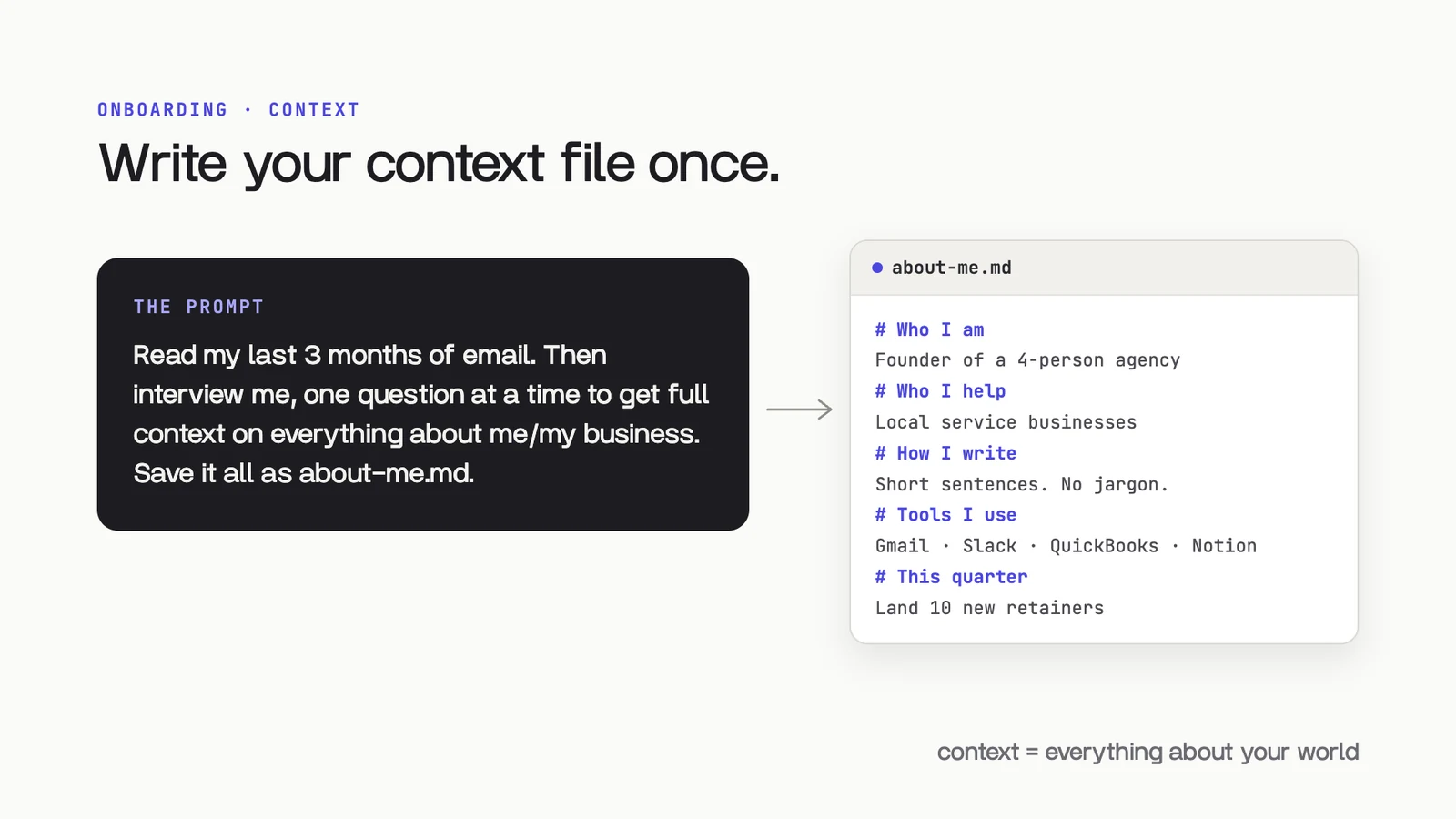
Build a context file about me.

1. Read my last 3 months of email. Learn who I work with, what I sell, and how I write.
2. Then interview me, one question at a time: what I do, who I help, my offers, my goals this quarter, my tools, and how I like things written. Wait for each answer.
3. Write it all into a file called about-me.md with these sections: Who I am, Who I help, What I sell, How I write, Tools I use, This quarter.
4. Show me the file and ask what to fix before you save it.
Save about-me.md to the project's files. Update it when something big changes: a new offer, a new hire, a new goal.
Small facts go in memory
For one-off facts, skip the file and tell it directly. Memory carries across every chat.
Add this to memory: I run a 4-person agency, I keep emails under 5 sentences, and I never book calls on Fridays.
One more habit: new task, new chat. A long chat fills its context window and the oldest details get fuzzy.
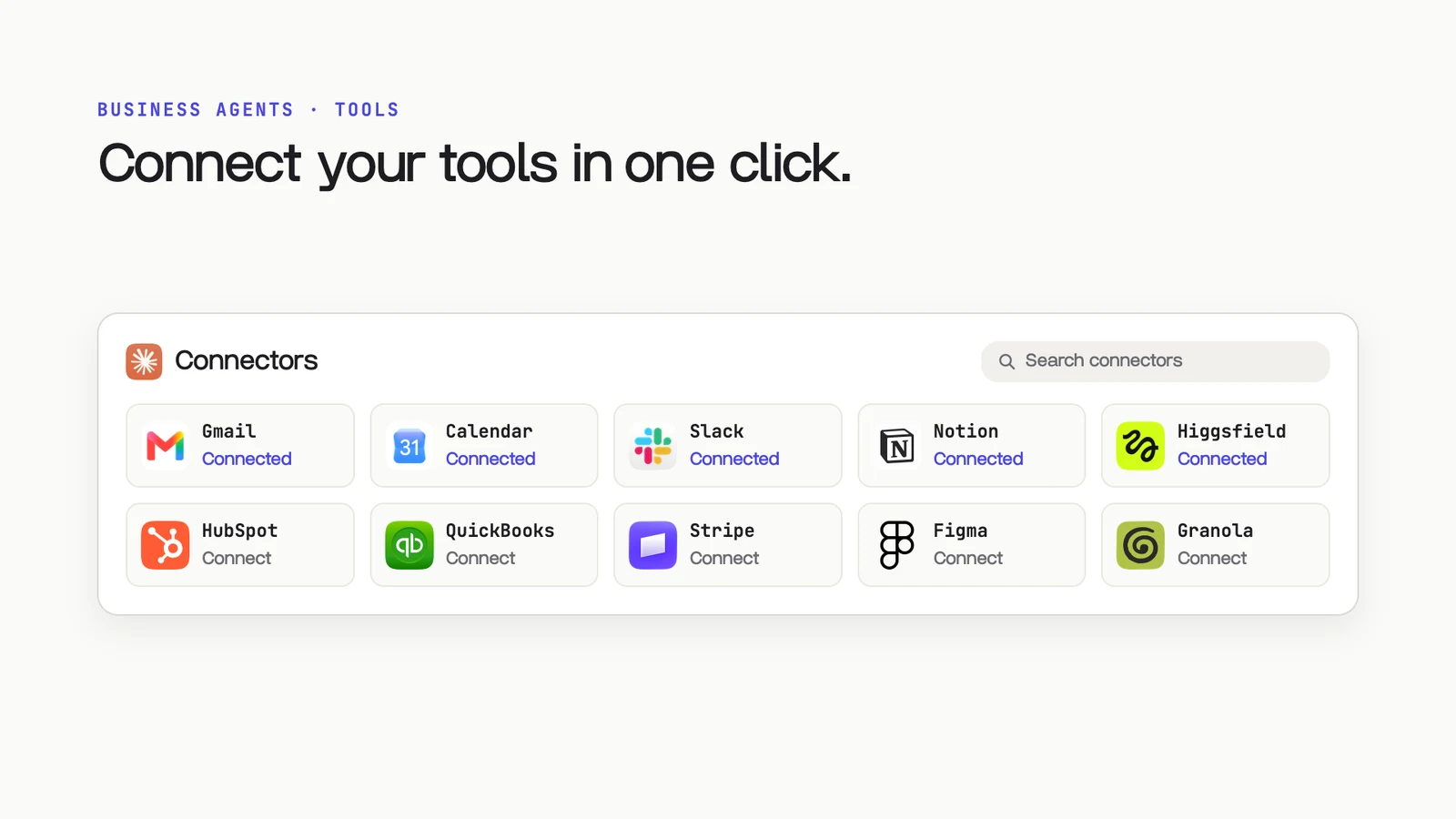
Connect your tools
 ClaudeYour agent, plugged into the apps you use
 GmailReads, sorts and drafts your email
 Google CalendarBooks and moves meetings
 SlackPosts updates to your team
 NotionReads and writes your docs
 QuickBooksPulls your numbers
 HiggsfieldMakes images, video and ads
Connectors are the apps your agent can work inside. Connect the ones you already pay for first, then add more as tasks call for them.
No connector? Use the computer
Computer use lets the agent see your screen and click, type and scroll like you would. Pair it with the Claude Chrome extension and it works inside any site you are already signed into, like the Meta Ad Library or your Shopify admin.
Turn any task into a skill
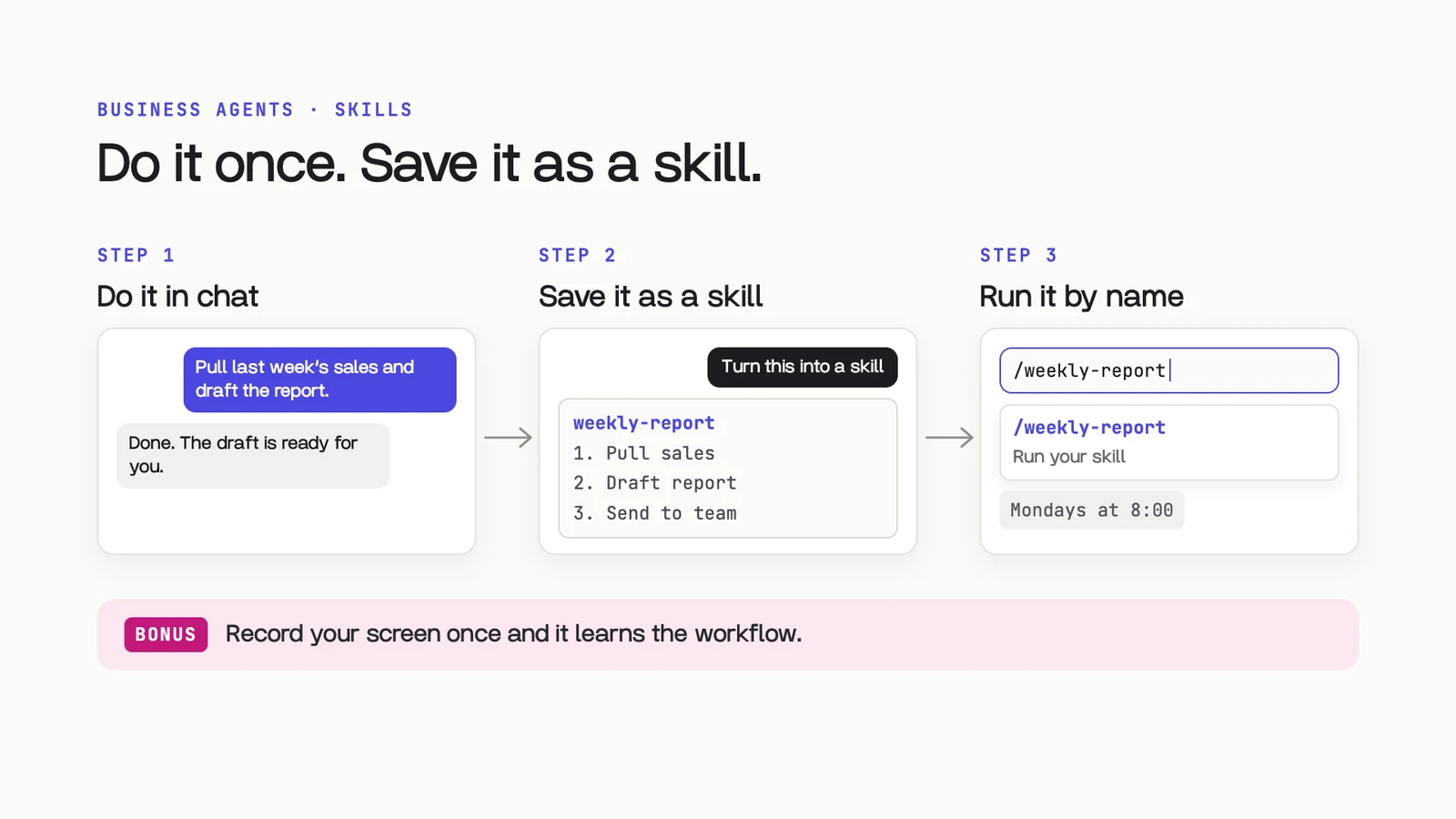
A skill is an SOP your agent follows every time. Anything you do the same way twice should be one.
Setup
- Do the task once in chat. Walk it through and fix what is off until the result is right.
- Ask for the skill. Say "turn this into a skill". In Claude Code you can also run /skill-creator.
- Run it by name. Call it whenever you need it, or put it on a schedule.
Turn what we just did into a reusable skill called weekly-report.
Write it as a step-by-step SOP: what you need from me, each step, the exact output format, and the checks you ran. Ask me about anything unclear before you save it.
Workflow prompts
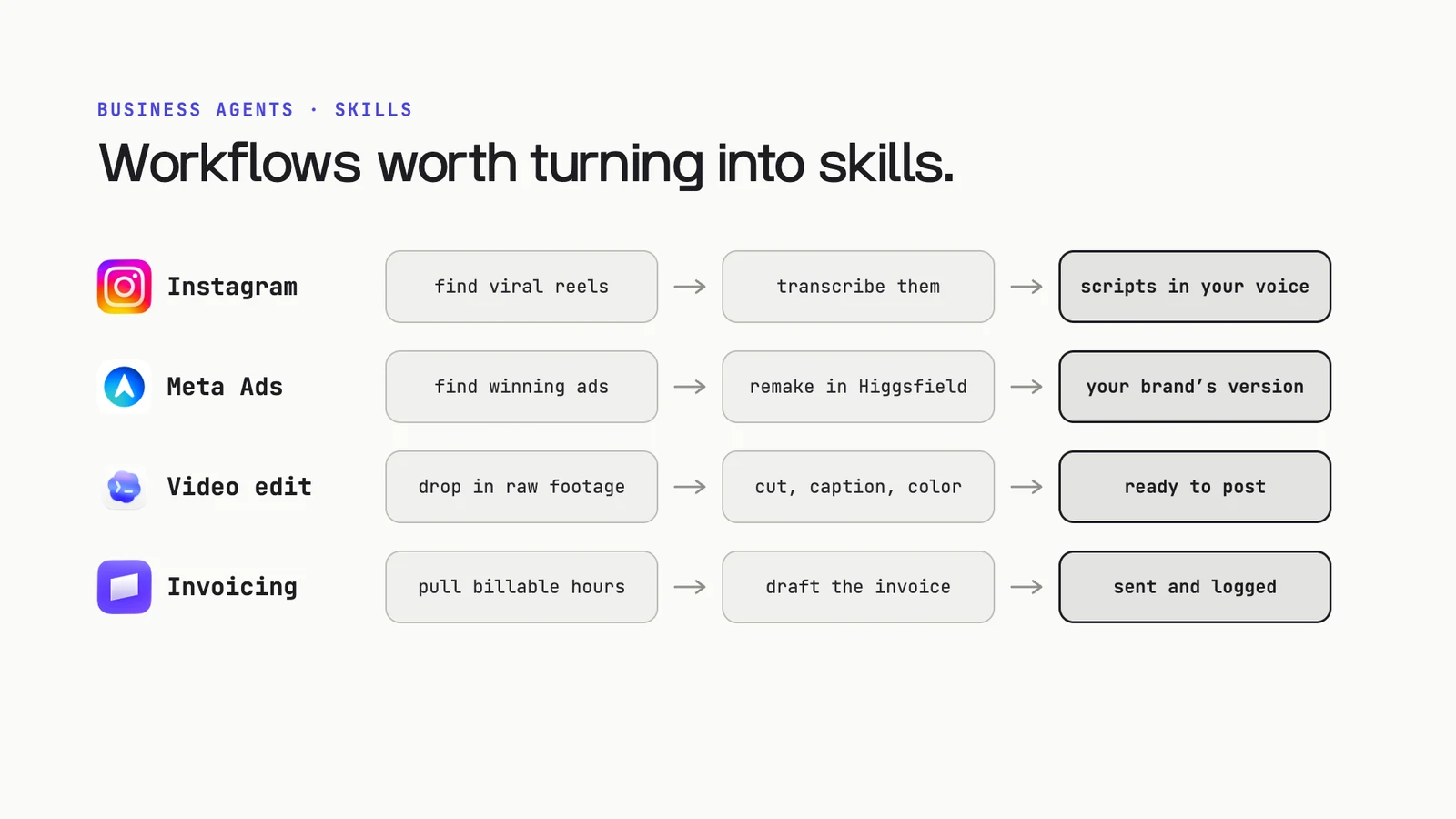
Copy these, fill in the brackets, and save the ones you use as skills.
Inbox triage
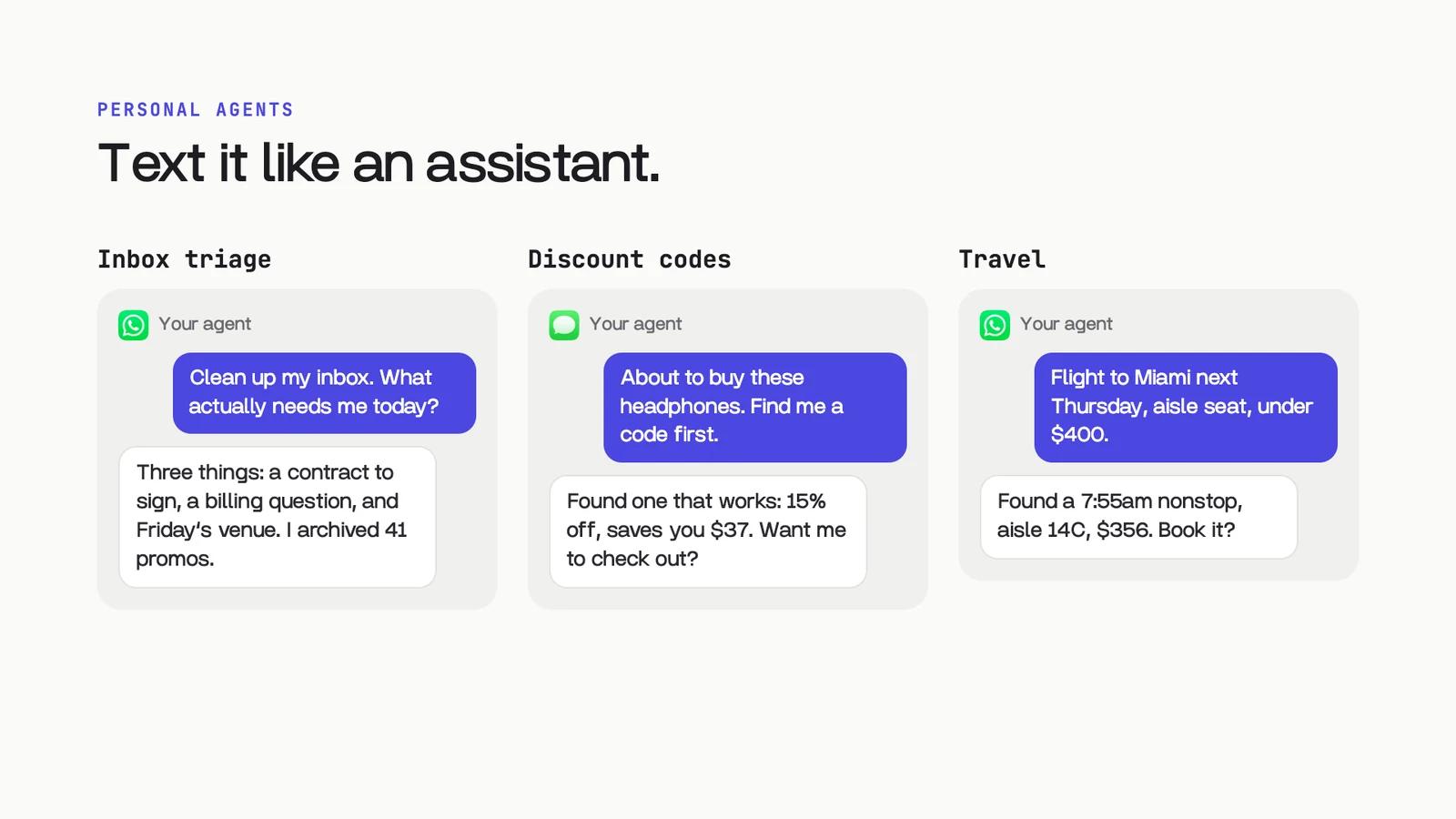
Go through my inbox from the last 24 hours. Archive promos and newsletters, draft replies to anything simple, and give me the 3 emails that actually need me today, with one line on why.
 Instagram scripts in your voice
Using about-me.md, find 5 Instagram Reels in my niche from the last 30 days with unusually high views for the account. Transcribe each one. Then write 5 new scripts in my voice about [my offer] that reuse the same hook structure. For each: the hook, the script, and the on-screen text.
This one needs computer use or the Chrome extension, signed in to Instagram.
Remake winning ads with Higgsfield
Open the Meta Ad Library and search [competitor names]. Find 5 ads that have been running for 30+ days. Tell me why each one works.
Then use Higgsfield to make our version of each for [product], on brand, using my product photos.
Invoices every Friday
Every Friday at 9am: pull this week's billable hours from [tracker], create an invoice for each client in Stripe, and log it in QuickBooks. Show me the drafts before anything sends.
Monday numbers
Every Monday at 8am: pull last week's numbers from [source], compare them to the week before, and draft a 5-line update for the team in Slack. Send it to me first.
Personal agents
The newest agents run around the clock on their own computer in the cloud. You text them like an assistant.
| Agent | Made by | Text it from |
|---|---|---|
| Dots | OpenAI | ChatGPT, Slack |
 Grok Bot Grok Bot |
xAI | WhatsApp, iMessage, Slack |
| Muse | Meta |
Already living in ChatGPT? Turn on Dots: it already has your connectors and context. On Claude? Add Muse. Plans and availability change fast, so check each one before you sign up.
Two to try first
Before I buy anything over $50, find a working discount code and tell me the best price you found. Ask me before you check out.
Find me a flight to [city] on [date], aisle seat, under [budget].
Give me the 3 best options and book only the one I pick.
Higgsfield
Image gen and video gen that plugs into Claude as a connector. Describe the shot, get the image, then turn it into a video.
Make 6 ads for [brand] using our product photos. Match our look:
[colors], [props], [type style]. Headlines under 6 words, 3:4 for the feed.
Turn this product shot into a 5-second slow push-in video. Keep the product and the label exactly the same.
Keep going
From Mav
- Free AI newsletter twice a week, plus 100+ free guides and prompts: mavgpt.ai
- Instagram: @mavgpt
- YouTube: @maverickgpt
- TikTok: @maverickgpt
From me
- More free guides and prompt packs: opusjake.ai/library
- Instagram: @opusjake
This week: connect two tools, run the context prompt, and hand off one task from your Notes list.