// OPUSJAKE RESOURCE · FIELD GUIDE
3 SECRET CLAUDE CONNECTORS
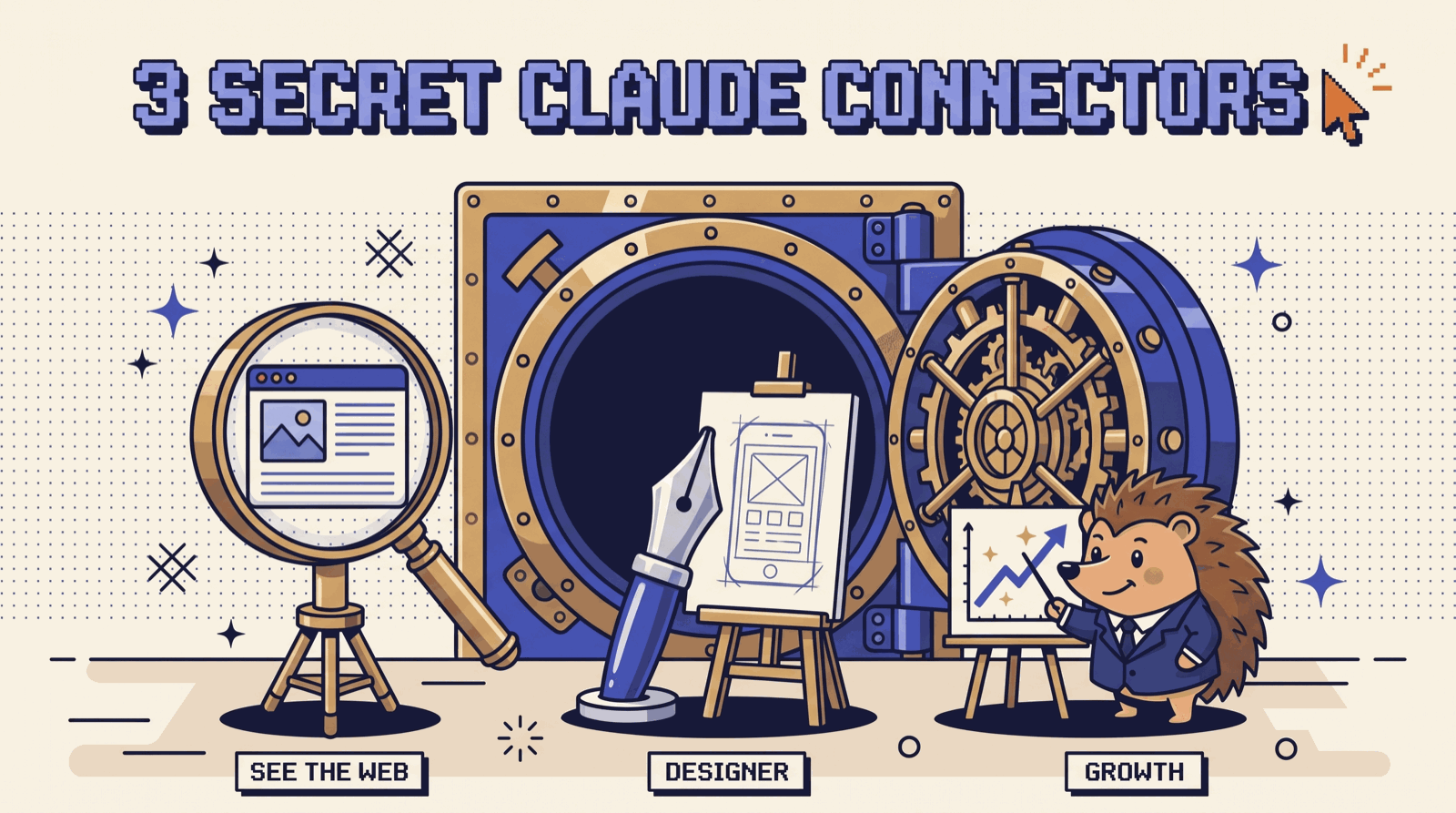
Context.dev, pen.dev, and PostHog: three connectors that let Claude see the web, design like a real designer, and run your growth. The one prompt that sets all three up, the install for each, and the first prompt to run.
> boot opusjake_os
> resource: secret-claude-connectors
> version: v1.0 · 2026-10-11
> status: ready_
Claude on its own can't open a website, can't touch a design canvas, and has never seen your analytics. These three fix that. Paste the one prompt on the next page into Claude Code and it wires up all three, or follow the install for each one in the Claude app.
THE ONE PROMPT
Open Claude Code in any folder and paste this:
Set up three MCP connectors for me at user scope, then tell
me exactly what I need to click to finish.

1. Context.dev. Run:
   claude mcp add --transport http --scope user context https://mcp.context.dev/mcp

2. PostHog. Run:
   claude mcp add --transport http posthog https://mcp.posthog.com/mcp -s user

3. pen.dev. This one runs locally from the pen.dev app, so
   you can't add it with a command. Check whether pen.dev is
   installed. If it isn't, send me to https://www.pen.dev to
   download it. Then walk me through: open any .pen file,
   Settings > MCP, enable "Claude Code CLI", restart Claude Code.

When you're done, run `claude mcp list` and show me the result.
Remind me to run /mcp to sign in to Context.dev and PostHog,
and that `pencil` is pen.dev's server name in that list.
Restart Claude Code, run /mcp, sign in to Context.dev and PostHog in the browser, and you're live.
THE STACK
| # | Connector | What it gives Claude |
|---|---|---|
| 01 | Context.dev | Eyes on the web: scrape any site, pull a brand kit, research competitors |
| 02 | pen.dev | A design canvas: websites, interfaces, and apps with no AI slop |
| 03 | PostHog | Your growth data: funnels, drop-offs, flags, and the fixes |
Two places to install
- Claude app (desktop + web): official connectors live in the directory. Customize → Connectors → browse, or open the connector's directory page and click Connect. Then in a chat, + → Connectors to switch it on.
- Claude Code: one
claude mcp addline per connector, then run/mcpinside Claude Code to sign in.
pen.dev is the exception: it runs on your own machine, so you switch it on from inside the pen.dev app (below).
01 / CONTEXT.DEV
This lets Claude see the internet. Context.dev scrapes any page into clean markdown, pulls a company's full brand kit (logos, colors, fonts), crawls whole sites, and runs searches, so Claude can copy a site's structure or research competitors in one go.
Install
- Claude app: Context.dev is in Claude's connector directory (claude.ai/directory/context-dev). Open it, click Connect, sign in, then start a new chat and switch it on under + → Connectors.
- Or by URL: Customize → Connectors → + → Add custom connector, paste
https://mcp.context.dev/mcp, click Connect. - Claude Code:
claude mcp add --transport http --scope user context https://mcp.context.dev/mcp
Then /mcp → context → sign in. Sign-in uses OAuth and creates an API key called Context MCP in your Context.dev account. Tool calls spend that account's credits.
The tools you'll use first
web-scrape-markdownturns any URL into clean markdown.get-brandpulls a domain's logos, colors, and fonts.web-styleguideandweb-fontsfor the design system behind a site.web-crawlandweb-searchto cover a whole site or find pages.web-screenshotwhen you want to see the page itself.
Run this first
Use Context.dev on [COMPETITOR].com.

1. Scrape the homepage to markdown and give me the structure:
   hero headline, sections in order, every call to action.
2. Pull their brand kit: logo, colors, fonts.
3. Do the same for [COMPETITOR 2] and [COMPETITOR 3], then
   put all three side by side in one table.
02 / PEN.DEV
This turns Claude into your personal designer. pen.dev (it used to be called Pencil) is an agentic design canvas. Claude draws real frames, components, and screens on it through MCP, you refine every detail by hand, and it ships back to code. Design files are .pen files: plain JSON you can keep in Git.
Install
- Download the desktop app from pen.dev (macOS, Windows, Linux), or install the pen.dev extension in VS Code or Cursor.
- Open any
.pendocument. The MCP server only runs while pen.dev is open. - Settings (⚙️) → MCP → enable Claude Code CLI (or Claude Desktop).
- Restart Claude. Run
/mcpin Claude Code: the server shows up aspencil, pen.dev's old name.
Inside the app, Cmd/Ctrl + K opens pen.dev's own AI chat if you want to prompt right on the canvas.
The tools Claude gets
get_app_statereads what's open and selected.get_stylereads your styles and tokens.executedraws and edits on the canvas.read_skillloads pen.dev's design know-how.
Run this first
Using pen.dev, design a landing page for [YOUR PRODUCT] on the
open canvas.

Rules: no purple gradients, no emoji bullets, no "unlock your
potential" copy, no centered-everything layout. One strong
headline, real product copy, a clear type scale, generous
spacing. Then design the mobile version of the same page next
to it, and turn the buttons and cards into reusable components.
03 / POSTHOG
This turns Claude into your head of growth. PostHog holds your analytics, funnels, session replays, errors, and feature flags. Connect it and Claude can find where you're losing customers, build new marketing funnels, and roll out the fix.
Get it here: posthog.com/mcp
Install
- Claude app: PostHog is a verified connector in Claude's directory. Customize → Connectors → search PostHog → Connect, then sign in.
- Claude Code:
claude mcp add --transport http posthog https://mcp.posthog.com/mcp -s user
Then run /mcp and log in to PostHog in the browser. Or wire it into every AI tool you use at once with npx @posthog/wizard mcp add. PostHog routes you to your US or EU project automatically.
The tools you'll use first
query-funnelandquery-funnel-actorsto find the step where people drop, and who dropped.insight-createto save a new funnel or trend straight into PostHog.query-trendsandquery-retentionfor any growth question in plain English.query-session-recordings-listto watch the sessions behind a drop-off.create-feature-flagandfeature-flag-roll-out-to-everyoneto ship a change safely.
Run this first
Use PostHog on my project for the last 30 days.

1. Where is the biggest drop-off between signup and paying?
   Show me the step and how many people we lose there.
2. List 5 of the people who dropped and pull a session
   recording for 3 of them. What were they trying to do?
3. Create a new funnel insight for my main marketing page:
   landing page > signup > first key action > paid.

Then give me the one fix that would move revenue the most.
In Claude Code it goes one step further: it opens the code behind the drop-off, writes the fix, and rolls it out behind a feature flag.
STACK THEM
One prompt, all three, in this order:
1. PostHog: find the page in my funnel with the worst
   drop-off this month and tell me why people leave.

2. Context.dev: scrape the same page on my top 3
   competitors and pull their brand kits. What are they
   doing on that step that I'm not?

3. pen.dev: redesign my page on the canvas using what you
   found. Desktop and mobile, no AI slop.
Before you connect anything
- Start with PostHog. Your own numbers beat anything on the internet. Connect it here.
- Name the connector in your prompt. "Use Context.dev to…" is faster and cheaper than letting Claude guess.
- Keep pen.dev open while you design. Its server stops when the app closes.
- Only add connectors you trust. A connector can feed instructions to Claude through what it returns. Context.dev is listed in the directory as a Community connector; PostHog is verified.
Follow opusjake.ai for the rest of the stack.
// GET THE NEXT DROP
New resources go out to the list as they ship. One email, unsubscribe whenever.