

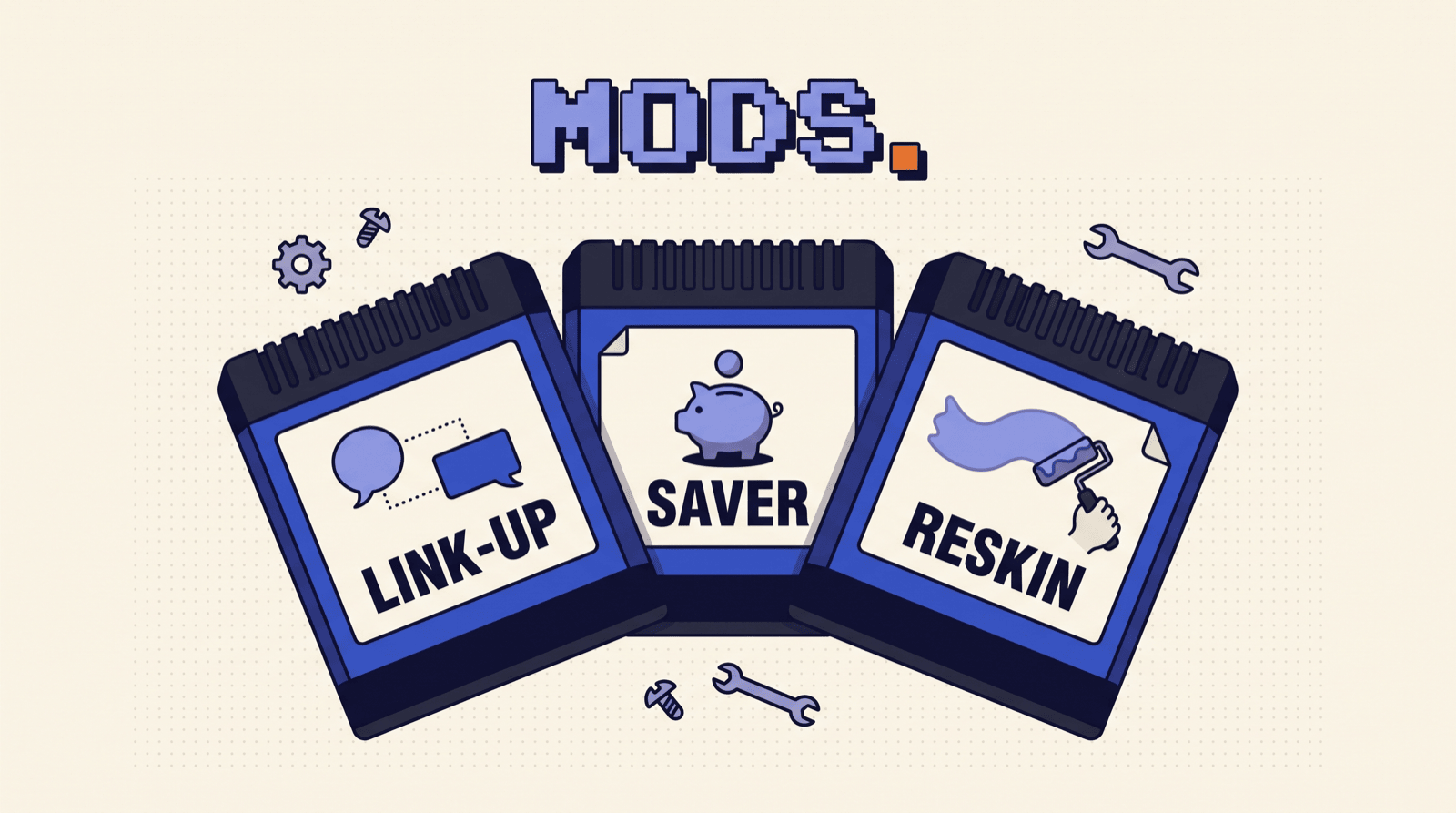
Claude Code just got mods: small add-ons that change what Claude does and how it looks. You don't have to write code. Paste a prompt, Claude builds the mod, you click approve. Here are the three from the video, plus more you can add tonight.
Before you start
- 01
 Update Claude Codev2.1.287 or later
 - 02Open a sessionTerminal or the Desktop app's Code tab
- 03Paste a mod promptClaude writes the mod for you
- 04Approve itPick "Enable for this session"
What a mod is
A mod is a small add-on that runs inside Claude Code. It can:
- Change what Claude does: pick the model for each request, rewrite a prompt, hold a risky command until you say yes.
- Talk to your other sessions: send and read messages between your Claude Code sessions.
- Draw its own screens: a panel beside the chat, a strip above the prompt, or a new look for Claude Code's own pieces like the spinner.
Mods live in Claude Code: the terminal app, the Code tab of the Claude Desktop app, and the VS Code extension. They don't run in the regular claude.ai chat.
Setup
- Check your version. In a terminal, run
claude --version. In the Desktop app, type/statusin a Code tab session and read the Claude Code row. - The terminal needs v2.1.287 or later, the Desktop app v2.1.286 or later. If yours is older, run
claude updateor update the Desktop app. - That's it. Mods are on by default.
How a prompt becomes a mod
Every prompt in this pack starts with "Make a mod". Claude Code ships a built-in skill for writing mods, so Claude already knows where the files go and what your version can do.
- Paste the prompt. Claude writes the mod's files. In the default mode it asks before each file, because mods live in a protected folder. Approve them.
- Claude Code asks whether to turn on hot reloading. Pick Enable for this session. The mod loads as soon as Claude finishes.
- Run
/pluginand press Tab to Installed to see it. Want a change? Just say so. The mod reloads after every turn that edits it.
A mod Claude writes only loads in the session that made it. Keep your mods at the end makes them permanent.
The three
Claude CodeThree mods from the video- Team RoomYour sessions talk, one manages
- SaverEasy tasks go to the cheapest model
- DashboardTo-dos and emails inside Claude
| # | Mod | What it does |
|---|---|---|
| 01 | Team Room | Your Claude sessions message each other. One prospects, one writes outreach, one manages. |
| 02 | Saver | Sends easy requests to Claude Haiku 5.5, so you stop paying top-model prices to fix a typo. |
| 03 | Dashboard | A panel inside Claude Code with your to-dos, the emails waiting on you, and today's calendar. |
01Sessions that talk
Your Claude Code sessions can already message each other. It's built in: name a session, mention it with @, and Claude delivers the message. So one session finds leads, a second writes the emails, and a third keeps everyone on track.
The mod adds the manager's desk: a Team panel with every message between your sessions, and a /standup command that asks each session for a one-line update.
Set up the team
- 01Open 3 sessionsSame folder, so they share files
- 02
/renameeach oneprospector, outreach, manager - 03Give each a jobThe three prompts below
- 04Add the modIn the manager session
- Open three Claude Code sessions in the same folder: three terminal tabs, or three local sessions in the Desktop app's Code tab. Messages carry text, not files, so the shared folder is how they pass work.
- Name them. Run
/rename prospectorin the first,/rename outreachin the second,/rename managerin the third. - Paste one job prompt into each session.
- In the manager session, paste the Team Room mod prompt.
Prospector
You are my prospector. Find 40 [GYMS IN AUSTIN] that [DON'T OFFER ONLINE BOOKING]. For each one: name, website, public email, and one line on why they need [MY PRODUCT]. Save them to leads.csv.

When the file is done, tell @outreach the leads are ready and how many there are.
Outreach
You are my outreach writer. When @prospector says the leads are ready, read leads.csv and write one short, personal cold email per lead into a drafts folder.
Don't send anything.

When you're done, tell @manager how many you wrote.
Manager
You are the manager. The team is @prospector, who finds leads, and @outreach, who writes cold emails.
When I ask for a standup, get a one-line update from each of them, then give me three lines: done, blocked, next.
The Team Room mod
Make a mod called team-room.

1. A /team command that opens a pane titled "Team".
   It lists every message this session sends to or gets from my other sessions: who, the first line, and the time. Newest on top.
2. A /standup command. It asks each of my other sessions for a one-line update ("what you finished, what's next") and shows each reply in the Team pane as it comes in.
3. Keep the pane's history when the mod reloads.

Check the mods types for your version before you write it, then run claude plugin validate and fix anything it reports.
Want a standup every hour? Run /loop 1h /standup in the manager session.
Why it's safe to let them talk
- A message from another session can't approve anything for you. Permission prompts still come to you.
- It can't change your settings or your CLAUDE.md, and a slash command inside a message never runs.
- Each session keeps its own permissions. If one session was told no, it won't ask another to do it.
02The money saver
By default every request in a session goes to the same model, so you pay big-model prices to fix a typo. This mod checks each prompt. Easy ones go to Claude Haiku 5.5, hard ones stay on your main model, and a strip above the prompt shows what you saved.
What the same task costs
| Model | Input | Output | One task |
|---|---|---|---|
| Claude Haiku 5.5 |
$0.10 | $0.50 | $0.0015 |
| Claude Sonnet 5.5 |
$2 | $10 | $0.03 |
| Claude Opus 5.5 |
$4 | $20 | $0.06 |
| Claude Fable 5.1 |
$10 | $50 | $0.15 |
Input and output are per million tokens, Claude API list prices, October 2026. One task is 10K tokens in and 1K out. That's a hundred typo fixes on Haiku 5.5 for the price of one on Fable 5.1. Haiku 5.5 costs $0.50 / $2.50 once a prompt is over 100K tokens, so the mod only routes there below that.
On a Pro or Max plan you don't pay per token, but bigger models use up your limits faster. Same mod, more runway.
Easy vs hard
| Goes to Haiku 5.5 | Stays on your main model |
|---|---|
| Fix typos, rename files | Plan a launch or a feature |
| Summarize a reply or a file | Debug something broken |
| Reformat a list or a table | Write new code or a long doc |
| Quick questions and lookups | Anything with lots of steps |
The Saver mod
Make a mod called saver that always uses the cheapest model that can do the job.

1. When I send a prompt, decide if it's easy or hard.
   Easy: typos, renames, formatting, short summaries, quick questions. Hard: planning, debugging, new code, anything with many steps. If it's unclear, ask Claude Haiku 5.5 to label it in one word.
2. For an easy prompt, send every request in that turn to Haiku 5.5. Leave hard ones on my current model.
   Only use Haiku while my context is under 100K tokens.
3. Draw a strip above the prompt with the model that answered last and what I saved today. For the math, use list prices: $0.10 in and $0.50 out per million tokens for Haiku 5.5, and my main model's price.
4. Add /saver on and /saver off.

Check the mods types for your version before you write it, then run claude plugin validate and fix anything it reports.
Your main model stays your choice. Switch it any time with /model.
03Your own dashboard
A mod can draw. It can open a panel beside the chat, put a strip right above the prompt, and restyle Claude Code's own pieces like the spinner. This one turns Claude Code into your home screen: your to-dos, the emails waiting on you, and today's calendar, one command away.
- 01
 Connect Gmail + CalendarOptional, for the Inbox and Today tabs
 - 02Paste the mod promptClaude builds the dashboard
- 03
/dashboardOpens the panel beside the chat
The Inbox and Today tabs read from Gmail and Google Calendar connectors in Claude Code. No connectors yet? Ask Claude to set them up first, or let the mod skip those tabs.
The Dashboard mod
Make a mod called dashboard.

1. A /dashboard command that opens a pane with three tabs:
   - To-do: a text field to add a task, and a row per task with a button to tick it off. Keep the list between sessions.
   - Inbox: emails from the last 24 hours that still need my reply, from my Gmail connector. One row each: who, subject, how long ago.
   - Today: today's events from my Google Calendar connector.
   If a connector is missing, show one line saying so.
2. A one-line strip above the prompt, like
   "3 to-dos · 2 to answer · next: 2 PM call".
3. Refresh Inbox and Today every 10 minutes.

Check the mods types for your version before you write it, then run claude plugin validate and fix anything it reports.
Make it look like yours
Same idea, smaller. Paste any of these:
Make a mod that shows my git branch above the prompt.
Make a mod that adds a count of Claude's tool calls to the spinner, like "Thinking · tool calls: 3".
Make a mod that draws how full my context window is as a bar above the prompt, and turns it red past 80%.
Make a mod that shows my 5-hour and weekly usage limits as two bars above the prompt, like a game's health bar.
Better Stack built that last one as a full Minecraft HUD: hearts for weekly usage, hunger for the 5-hour window.
One thing no mod can touch: the permission prompt. What Claude asks you to approve always looks the way Claude Code draws it.
More mods
Anthropic's sample mods
Anthropic shares three finished mods in its claude-code-playground repo.
| Mod | What it does |
|---|---|
| token-weather | A forecast of your context window, above the prompt |
| blast-radius | Holds a risky command like rm -rf or a force push, shows what it would change, and asks proceed or cancel |
| replay-theater | A /replay command that steps through the edits Claude made last turn |
Install a sample
- 01Clone the repogithub.com/anthropics/claude-code-playground
- 02Try oneLoad it for a single session
- 03Keep itAdd the folder as a marketplace
Easiest path: paste this into Claude Code.
Clone github.com/anthropics/claude-code-playground, add its claude-code/mods folder as a plugin marketplace, and install blast-radius and token-weather from it. Then show me /plugin.
Or try one yourself for a single session, from your terminal:
git clone https://github.com/anthropics/claude-code-playground
claude --plugin-dir claude-code-playground/claude-code/mods/blast-radius
The samples are shared as they are, without support. Read one before you keep it (see Stay safe).
One-liners worth asking for
Make a mod that adds /recap: three lines on what we did this session, written by Claude Haiku 5.5.
Make a mod that writes one row per turn to a file called claude-costs.csv: the time, the tokens used, and what it cost.
Make a mod that pops a notification when a turn that took longer than 2 minutes finishes.
Make a mod that adds my current git branch for Claude whenever a prompt mentions a PR.
Already built in
/diff is a mod. So is You should know, a side agent that leaves a note above the prompt when it spots something you missed. Run /plugin, open Installed, and look under Built-in.
Keep your mods
A mod Claude writes lives in that session's own folder and only loads there, and Claude Code clears old session folders after a while. When you like one, keep it:
Copy every mod you wrote in this session into ~/mods.
Then turn ~/mods into a local plugin marketplace called my-mods and install each mod from it, so they load in every session. Show me /plugin when you're done.
To share one, send someone the folder, or put your marketplace in a GitHub repo they can add.
Check before you install
Before you install anyone else's mod, run this on its folder. It runs nothing:
claude plugin validate ./some-mod
The hooks: line lists everything the mod listens for. The calls: line lists everything it can do: read files, run programs, use the internet, call a model.
Stay safe
A mod is code that runs as you, inside Claude Code. It isn't sandboxed. Once it loads, it can:
- read and write your files, run programs, and use the internet
- read your environment variables and settings, API keys included
- see every prompt and tool call, and approve tool calls without asking you
- spend your usage by calling a model
Four rules:
- Install only from people you trust. A mod you asked Claude to write is yours. Read anything else first.
- Validate before you install.
claude plugin validateshows what a mod does without running it. - Know the off switches. Turn one off in
/pluginunder Installed. Start withclaude --safe-modeto skip them all for one session. Set"disableAllHooks": truein~/.claude/settings.jsonto stop every mod you installed. - The permission prompt is untouchable. No mod can change what it shows you.
Follow opusjake.ai for the next pack.