To use Claude Code well, run it from your project folder, give it a short CLAUDE.md with your real build and test commands, ask for a plan before any multi-file change, and make it prove each edit with a test, a type check, or a screenshot. The install takes two minutes. The habits around context, permissions, and verification are what decide whether it ships or makes messes.
I run Claude Code most of the day across a site, a pile of scripts, and client builds. This is the setup and loop I use, with the specific commands, files, and mistakes to skip.
01TL;DR
- CLAUDE.md is the highest-leverage file. Exact commands, hard rules, folder map. Keep it under about 60 lines.
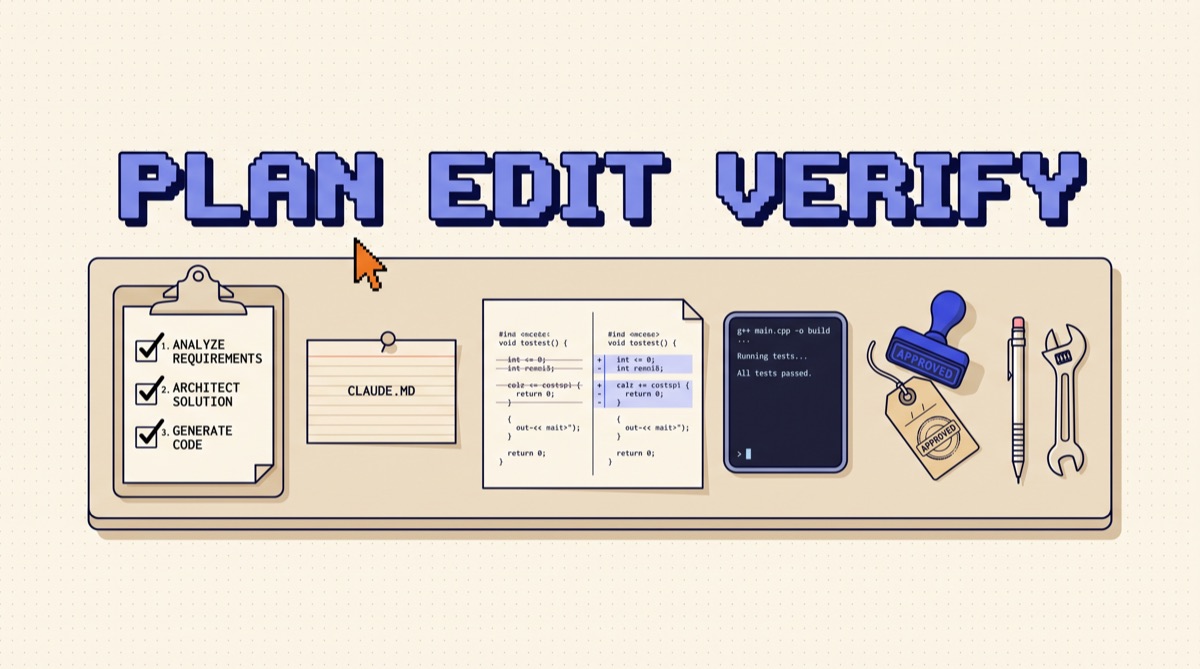
- Plan first on anything bigger than one file. Shift+Tab into plan mode, fix the plan, then let it edit.
- Context is a budget. /clear between tasks, /compact mid-task, subagents for wide searches.
- Permissions and hooks are your guardrails. Allow the safe commands, deny the dangerous ones, enforce rules in code.
- No change is done until something checked it. Tests, types, a build, or a browser screenshot.
02Install it and run the first session
Claude Code is a terminal agent. It reads your files, runs commands, and edits code in the folder you start it from. There are also desktop, web, and IDE versions, but the terminal is the cleanest place to learn it.
- Install with Anthropic's native installer (or
npm install -g @anthropic-ai/claude-codeif you prefer npm). cdinto a real project, ideally one under git with a clean working tree.- Type
claudeand sign in with a Claude plan or an API key. - Run
/init. It scans the repo and writes a starterCLAUDE.md.
Then give it a small, checkable task, not "refactor the app." Something like: "The formatPrice helper rounds 19.995 to 19.99. Write a failing test, fix it, and run the test suite." You learn how it reads code, how it asks for permission, and whether your test command actually works, all in about three minutes.
Work on a branch. Every session then ends as a diff you can read, keep, or throw away with one command.
03Write a CLAUDE.md that earns its tokens
CLAUDE.md loads into context at the start of every session. That makes it the single most important file for how Claude Code behaves in your repo, and also the easiest to bloat. The /init draft is a starting point. Cut it hard.
What belongs in it:
- Commands, exactly as typed.
pnpm install,pnpm test -- --run,pnpm lint,pnpm devon port 3000. Vague instructions like "run the tests" produce guessed commands. - A folder map in five lines. Where routes live, where shared components live, which folders are generated.
- Hard rules. "Never edit files in
src/gen/." "Never commit.env." "Use the existingdbclient, never open a new connection." - Conventions the code enforces. Naming, error handling style, the test framework and where tests go.
What does not belong: long style essays, anything a linter already enforces, and history ("we migrated from X in 2024"). Every line competes with your actual task for context.
You can also keep a personal ~/.claude/CLAUDE.md for preferences that follow you across repos, like "explain the diff in three bullets after every change." When Claude Code makes the same mistake twice, add one line to the file. That is the whole maintenance loop.
04Plan before it edits
The most expensive failure with any coding agent is a confident, wrong, 12-file change. Plan mode prevents it. Press Shift+Tab to cycle into plan mode, where Claude Code can read files and search the codebase but cannot edit or run state-changing commands.
A good planning prompt names the goal, the constraints, and the finish line:
Add rate limiting to the
/api/generateroute. Use the Redis client inlib/redis.ts. Limit is 20 requests per user per hour. Done means a passing test for the 21st request returning 429. Plan only.
Read the plan the way you would read a junior engineer's: wrong file, missed edge case, invented helper that does not exist. Correct it in one message, then switch out of plan mode and let it run. For larger features, ask it to save the plan to a file like PLAN.md with checkboxes, so progress survives a cleared session.
Two more controls you will use daily. Press Esc to stop it mid-step when it heads the wrong way. Press Esc twice to rewind to an earlier message and try a different instruction.
05Manage context like a budget
Claude Code's context window is large, but it fills with file reads, command output, and back-and-forth. Quality drops as it fills with noise from old tasks. Keep it lean:
/clearbetween unrelated tasks. Finished the auth bug and moving to the pricing page? Clear. The old transcript only adds confusion./compactmid-task. It summarizes the conversation so far and keeps going. You can tell it what to keep:/compact keep the failing test names and the API contract./contextto see what is using space. Large MCP tool lists and giant files show up here.- Subagents for wide searches. "Use a subagent to find every place we read
user.planand report file and line." The search happens in its own context and only the summary comes back. - Files over chat. Decisions, plans, and findings go into a markdown file. Files survive a clear; chat does not.
The same principle drives agent design generally, which I cover in context engineering for AI agents.
06Set permissions, hooks, and extensions
Out of the box, Claude Code asks before it edits a file or runs a command. That is right for a new repo and tiring by day three. Tune it in .claude/settings.json:
- Allow the commands you run constantly: your test, lint, type check, and dev server scripts, plus read-only git commands.
- Deny the ones that should never happen without you:
git push --force, production deploy scripts, anything that touches secrets. - Commit the project settings so teammates get the same guardrails.
Hooks turn rules into enforcement. A PreToolUse hook can block any write to .env files. A PostToolUse hook can run your formatter after every edit so you never review whitespace diffs. Rules in CLAUDE.md are requests; hooks are guarantees.
Then extend it where you repeat yourself:
- Custom slash commands in
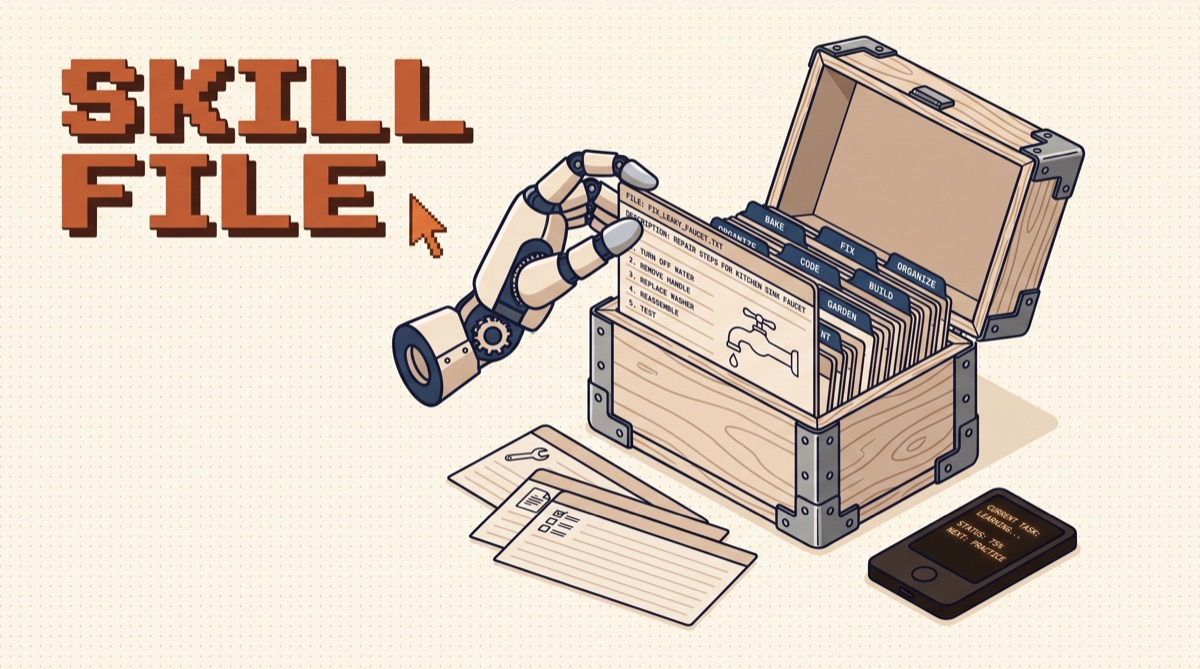
.claude/commands/for prompts you type weekly, like a release checklist. - Skills for packaged know-how it should load only when relevant. I wrote up the format in how to create Claude skills, and the Anthropic skills index lists the official ones worth installing first.
- MCP servers to reach tools outside the repo, added with
claude mcp add. Start with two or three; the MCP Big Three is the short list I would begin with. Every connected server adds tool definitions to context, so prune the ones you do not use.
07Make it verify every change
The gap between "Claude Code said it is done" and "it is done" is a check. Build the check into the request:
- Bug fixes: "Write a failing test that reproduces it, then fix it, then run the full suite."
- Refactors: "Run the type checker and tests before and after. Report both."
- UI changes: "Start the dev server, open the page, take a screenshot at mobile and desktop widths, and check the console for errors."
- Scripts: "Run it against the sample file in
fixtures/and show me the output."
If a project has no tests, the first useful job is to have Claude Code write a handful around the code you are about to change. It is good at this, and it gives every later session a finish line.
Last, read the diff yourself before you commit. git diff takes a minute. It catches the stray debug log, the deleted comment, and the test that was quietly weakened to pass.
08A daily loop that works
Here is the loop I run for most tasks, start to finish:
git checkout -b fix/pricing-roundingclaude, then describe the task with a done condition.- Shift+Tab into plan mode for anything over one file. Correct the plan.
- Let it execute. Esc if it drifts.
- It runs the check you specified. You read the output, not just its summary.
git diff, commit,/clear, next task.
For repeat jobs, run it headless: claude -p "update the changelog from the last 10 commits" works in scripts and CI. That is how small chores move from "I should do that" to scheduled and done.
09The bottom line
Claude Code is only as good as the setup around it. A tight CLAUDE.md, plan mode on bigger changes, a clean context, sensible permissions, and a real check on every edit turn it from an impressive demo into something you trust with a branch. Start with one repo, one small task, and the six-step loop above, then add hooks and skills only when you catch yourself repeating something.
I send one practical AI build note like this each week, with the configs and prompts I actually use. Join the newsletter to get the next one.
Frequently asked
How do I get started with Claude Code?
Install it with Anthropic's native installer or npm, open a terminal in your project folder, and type claude. Sign in with a Claude subscription or an API key when prompted. Then run /init so it reads the repo and writes a starter CLAUDE.md, edit that file down to the rules that matter, and give it one small, checkable task before you trust it with anything bigger.
What should go in a CLAUDE.md file?
The things a new engineer would need on day one and could not guess from the code: the exact commands to install, run, test, and lint; the folder layout in a few lines; conventions the codebase actually enforces; and hard rules such as never editing generated files or never pushing to main. Keep it short. Every line is loaded into context on every session, so a 40-line file that is all signal beats a 400-line file nobody pruned.
What is plan mode in Claude Code?
Plan mode is a read-only mode where Claude Code can explore files and propose an approach but cannot edit anything or run commands that change state. You toggle it with Shift+Tab. Use it for any change that touches more than a couple of files: read the plan, correct the wrong assumptions, then switch back and let it execute. Fixing a plan costs seconds; fixing a wrong 12-file edit costs an afternoon.
How do I stop Claude Code from losing track in long sessions?
Treat context as a budget. Run /clear between unrelated tasks, use /compact when a long task is still in progress, and push big research jobs into subagents so only their summary returns to the main conversation. Write decisions into files such as a plan or a notes doc instead of relying on chat history, because files survive a clear and chat does not.
Is Claude Code safe to run on my repo?
It is as safe as the permissions you give it. By default it asks before editing files or running commands. Allow the commands you run constantly, such as your test and lint scripts, deny the ones that should never run, such as force pushes or production deploys, and work on a branch so every change is a reviewable diff. Hooks can enforce rules automatically, for example blocking writes to a secrets file.