A personal AI is an assistant that carries your context between sessions: what you work on, who you work with, how you want things written, and which files it may read. In 2026 that is four separate layers rather than one feature, and you control three of them directly. Here is what each layer stores, how to wire in your own files without handing over the disk, and where the privacy line actually sits.
01TL;DR
- Pew Research Center found 49 percent of US adults now use AI chatbots, up from 33 percent in 2024, with 24 percent using one daily. Roughly half of all users are daily users.
- The same survey puts privacy anxiety at 71 percent who think wider AI use makes personal information less secure, against 3 percent who expect it to improve.
- Anthropic's consumer terms set retention at five years if you allow training data use and 30 days if you do not, on Free, Pro, and Max. Commercial plans and the API are excluded.
- Claude's memory documentation says it never stores government ID numbers, criminal history, financial account numbers, or immigration status, and excludes health, politics, religion, and similar topics unless you opt in.
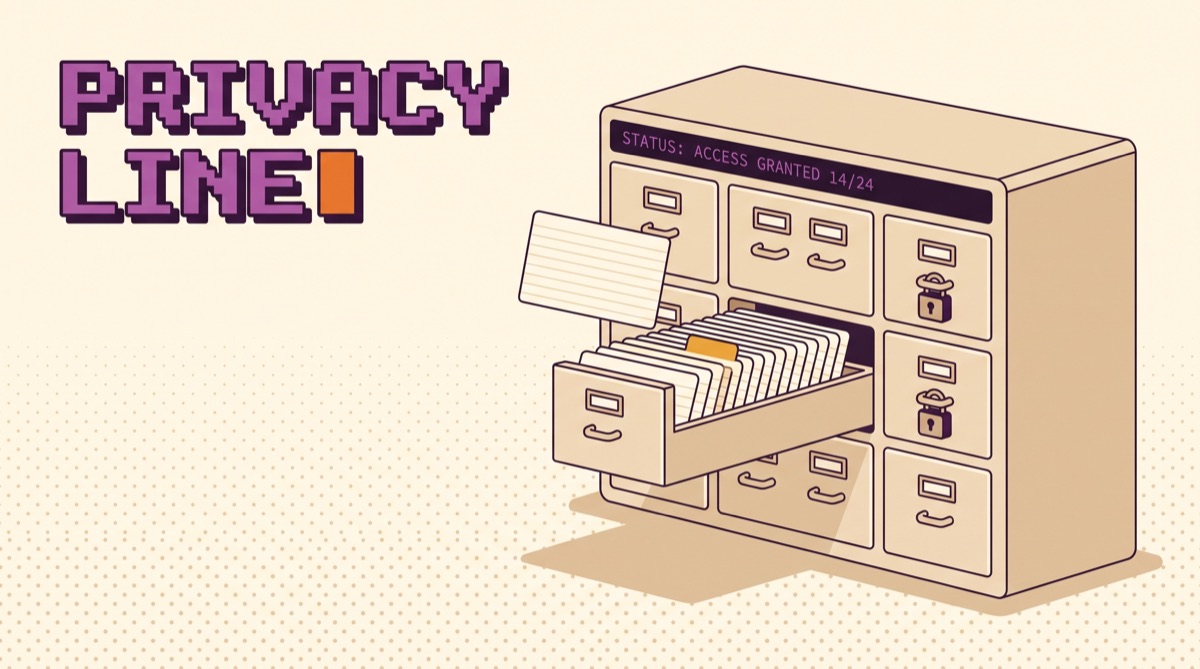
- A filesystem connector is scoped by a list of directories in a config file. Everything outside that list is unreachable. That single line is the strongest privacy control in the stack.
02What "personal AI" means now
Two years ago personal AI meant a chat window that forgot you between tabs. That has changed, and the adoption numbers show how fast. Pew's survey of 5,119 US adults, fielded 17 to 23 February 2026, found chatbot use jumped from 33 percent to 49 percent in two years, and that ChatGPT reaches 44 percent of adults against 24 percent for Gemini, 17 percent for Copilot, and 6 percent for Claude.
What people use them for is more interesting than how many. Information searching leads at 42 percent, work tasks at 38 percent among employed adults, then image and video creation at 24 percent, medical advice at 20 percent, and diet and fitness information at 20 percent. Those last two are the tell. People are already putting personal material into these systems. Most of them have never opened the memory settings page.
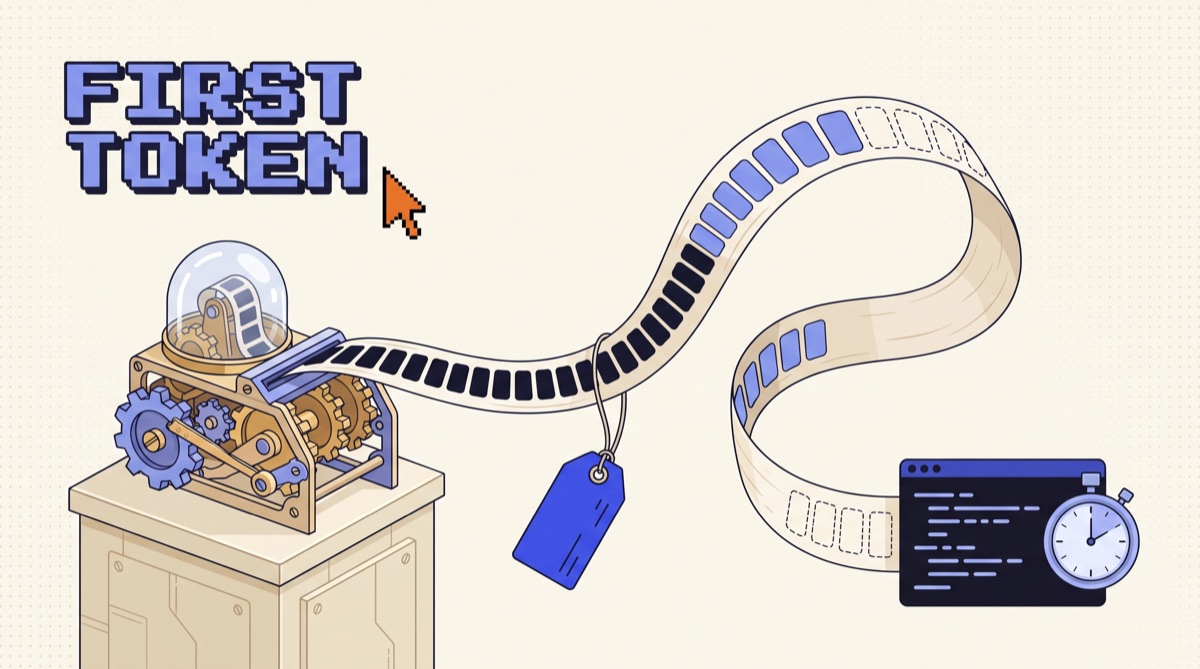
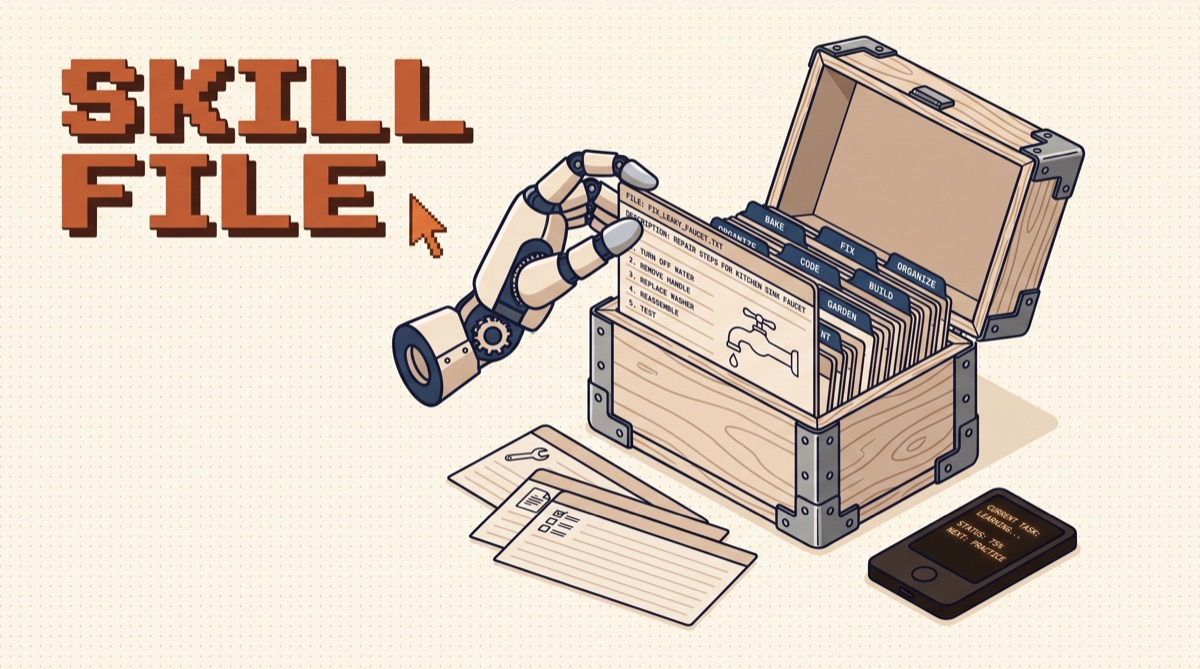
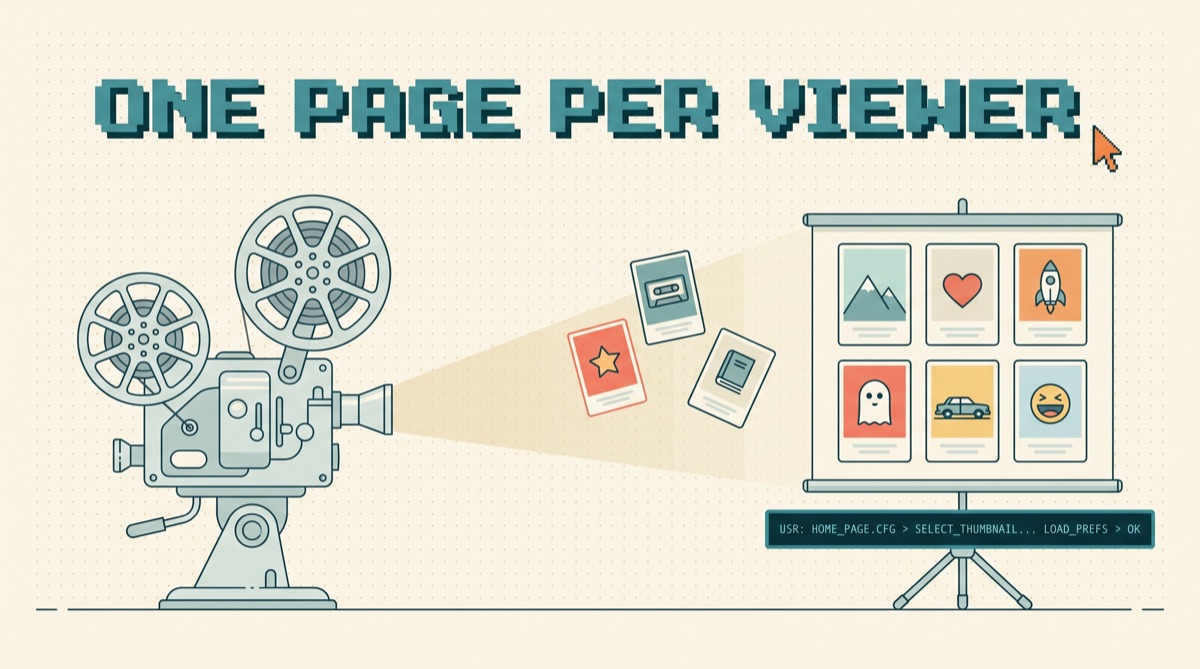
The four layers below are what turns a chat window into something that knows your context. Read them in order, because they load in that order, and each one has a different owner.
03Memory: what it keeps and what it refuses
Memory is the layer people mean when they say a model "knows" them, and it is worth understanding precisely because you did not write it.
Claude's support documentation describes what memory holds: your role, projects, and professional context, the people and places in your work and life, communication preferences and working style, technical preferences and coding style, and project details. It also names what never gets saved even if you ask: government ID numbers, criminal history, financial account numbers, and immigration status. By default it also excludes topics like health, race, ethnicity, religious beliefs, politics, and gender identity, with an opt-in toggle under Settings, Memory if you want them included.
Two operational details matter more than the feature list. First, memory is on by default for Free, Pro, and Max, and off by default for Team and Enterprise, which means your personal account and your company account behave differently out of the box. Second, each project keeps its own separate memory space and its own summary, walled off from other projects and from your regular chats.
So the discipline is simple. Read your memory profile once a month. It is a text summary of who the model thinks you are, and it is upstream of every answer. I have found stale facts in mine more than once: a project that ended in March still shaping suggestions in July. Delete those. The same logic applies to agents you build, which is a longer topic I covered in how to give your AI agent memory.
04Files: scope is the whole feature
Memory makes an assistant sound like it knows you. Files make it actually useful. The bridge is the Model Context Protocol, and a filesystem server is the first one most people install.
The setup is a JSON config with a list of directories. Those directories are the entire world the server can see. The official MCP documentation states the security position plainly: only grant access to directories you are comfortable with Claude reading and modifying, because the server runs with your user account permissions and can perform any file operation you can perform manually.
That sentence is the whole privacy model. There is no sandbox underneath it. If you list your home directory, you have listed your SSH keys, your cloud credentials, your tax folder, and every screenshot you have ever taken.
Every tool call still asks for your approval before it runs, which the MCP docs are clear about. Treat that as a backstop, not as the control. After the fortieth approval dialog in a week you are clicking yes without reading, and the only thing standing between the model and your credentials is the directory list you wrote once. Get that list right and the approvals stop mattering. I keep three paths in mine and add a fourth per engagement, then remove it when the engagement ends.
If you want the connectors worth installing first, I ranked them in the MCP big three.
05The privacy line: retention, training, and two accounts
Here is the part almost nobody checks before loading their life into a chat window.
Anthropic's consumer terms update covers Claude Free, Pro, and Max, including Claude Code used from those accounts. If you allow your data to be used for model improvement, retention runs five years. If you decline, it stays at 30 days. That is the same product, the same interface, and a sixty-fold difference in how long your material sits somewhere. The terms explicitly do not apply to Claude for Work, Claude for Government, Claude for Education, or API use, which run under commercial terms instead.
Do the arithmetic on your own situation before you decide. Five years of a personal assistant profile is a genuinely useful asset if what it holds is your writing style and your tech stack. It is a liability if it holds a client's unannounced acquisition.
Which points at the only structural rule worth following: run two accounts. A personal one with memory on, holding preferences, drafts, learning, and household logistics. A work one under commercial terms, holding anything a client or employer owns. The split costs nothing and it makes every other decision easy, because you stop having to judge each message on the fly.
This is the same boundary thinking behind the controls a small team can actually ship. Scope first, then approvals, then a record you can go back to.
06The weekend setup, in order
Four steps, roughly ninety minutes, and the order matters.
- Set the training and retention toggle first. Before you write anything real, decide what happens to it. Settings, Privacy. Do this on both accounts.
- Write standing instructions, then stop. Two hundred words: your role, your stack, your output preferences, the things you never want suggested. Resist writing a biography. The model reads this on every request and long preambles cost you attention budget on the actual task.
- Create one project per boundary. One per client, one for personal, one for anything with a legal wall around it. Project memory is isolated by design, so this is the cheapest separation you will ever get.
- Install one filesystem connector with three paths. Not your home directory. Three named folders you would be comfortable reading aloud. Add more later, one at a time, when a specific job needs one.
Then leave it alone for two weeks and read the memory profile at the end. What the model wrote about you is the honest test of whether the setup is working. If the profile is vague, your instructions were too long. If it is wrong, you have been using one account for two jobs.
For the tools I actually run this stack on day to day, the AI daily driver stack has the current list.
07What it still gets wrong
Three failures show up consistently, and none of them are fixed by a better model.
Memory over-generalizes from one throwaway comment. Mention once that you are cutting costs and every architecture suggestion turns into a budget lecture for a month. The fix is deletion, not correction.
Retrieval from chat history is fuzzier than people expect. It surfaces things by resemblance, so a question about a current client can pull details from a similar past one. Projects fix this. Nothing else really does.
And file access without scope becomes a slow leak rather than a single breach. No dramatic moment, just a model that gradually has read more of your disk than you would have agreed to in one sitting. Which is why the directory list, boring as it is, is the control that matters most.
Worth keeping in perspective: Stanford HAI's 2026 AI Index found 59 percent globally now say AI products offer more benefits than drawbacks, up from 55 percent in 2024, while 52 percent still say those products make them nervous. Both of those groups are right. The tooling works and the defaults are not built for you.
08The bottom line
Personal AI in 2026 is not a product you buy. It is four layers you configure, and the useful work takes an afternoon. Set retention before you load anything. Write short standing instructions. Split contexts into projects so the boundaries are structural rather than remembered. Scope the file connector to three directories and treat approval dialogs as the backup, not the plan. Then read the memory profile monthly, because that paragraph is the model's working theory of who you are, and a stale theory quietly degrades every answer it gives you.
The people getting the most out of this are not using better models. They are the ones who spent ninety minutes on setup and then stopped thinking about it. For a deeper cut on what to hand an assistant and what to keep, read what an AI assistant can own and what it can't.
Set the toggle, then build the stack. Grab the AI daily driver stack for the exact tools I run, and join the newsletter for the builds and teardowns I publish every week.
Frequently asked
What is a personal AI?
A personal AI is an assistant that carries your context between sessions instead of starting cold every time. In practice it is four layers stacked together: standing instructions you write once, a memory profile the model writes about you automatically, project spaces that wall one context off from another, and scoped access to your actual files. Only the first and third are fully under your control by default. The second is written for you and is worth reading, because the model's summary of who you are is what shapes every answer you get. The fourth is where most of the value sits and where most of the risk sits, because a file connector runs with your own account permissions and can touch anything you point it at.
Is personal AI memory safe to use for work?
It depends on which account you are in, and the difference is not cosmetic. Anthropic's consumer terms update says memory and chat data on Free, Pro, and Max plans can be retained for five years if you allow model training, against a 30-day retention window if you decline, and those terms explicitly do not apply to Claude for Work, Claude for Government, Claude for Education, or API use. That is a sixty-fold difference in exposure window between two settings on the same product. The practical rule is to keep two accounts: a personal one where memory is on and a work one under commercial terms where client material lives. Never let a client name land in the account you also use to plan a vacation.
How do I give an AI access to my files without giving it everything?
Scope the connector at install time, not at prompt time. A filesystem MCP server takes a list of directories in its config, and those directories are the entire world it can see. The Model Context Protocol documentation is blunt about why that matters: the server runs with your user account permissions, so it can perform any file operation you can perform manually. Point it at ~/notes, ~/clients/acme, and one inbox folder, and your SSH keys, cloud credentials, and tax records are simply not reachable. Point it at your home directory and you have granted everything. Every tool call still asks for approval, but approval fatigue is real, and scope is the control that keeps working when you stop reading the prompts.
What is the difference between memory and a project?
Memory is global and automatic. Projects are scoped and deliberate. Claude's support documentation describes each project as having its own separate memory space and its own project summary, kept apart from other projects and from non-project chats, which means a client project does not bleed preferences into your personal chats and vice versa. Memory, by contrast, is a single profile assembled from your standalone conversations and applied everywhere. Use memory for durable facts about how you work: your stack, your writing preferences, your role. Use projects for anything with a boundary around it, meaning a client, an employer, a legal matter, or a side business you do not want mentioned in the same breath as your day job.
Should I run a personal AI locally instead of using a hosted one?
Run local when the data cannot leave, not because local feels safer. The concern is real and widely held: Pew Research Center found 71 percent of US adults believe increased AI use will make people's personal information less secure, against 3 percent who expect it to improve. But a local model still needs the same four layers, and you now own the memory store, the file scoping, the updates, and the failure modes. The honest split is to run hosted models for reasoning quality and keep the sensitive corpus out of the prompt entirely, or run local for a narrow job on a narrow dataset. Running a general-purpose local assistant to avoid a settings toggle is a lot of work for a control you already had.