How to Create Claude Skills: SKILL.md, Triggers, and a Test Loop
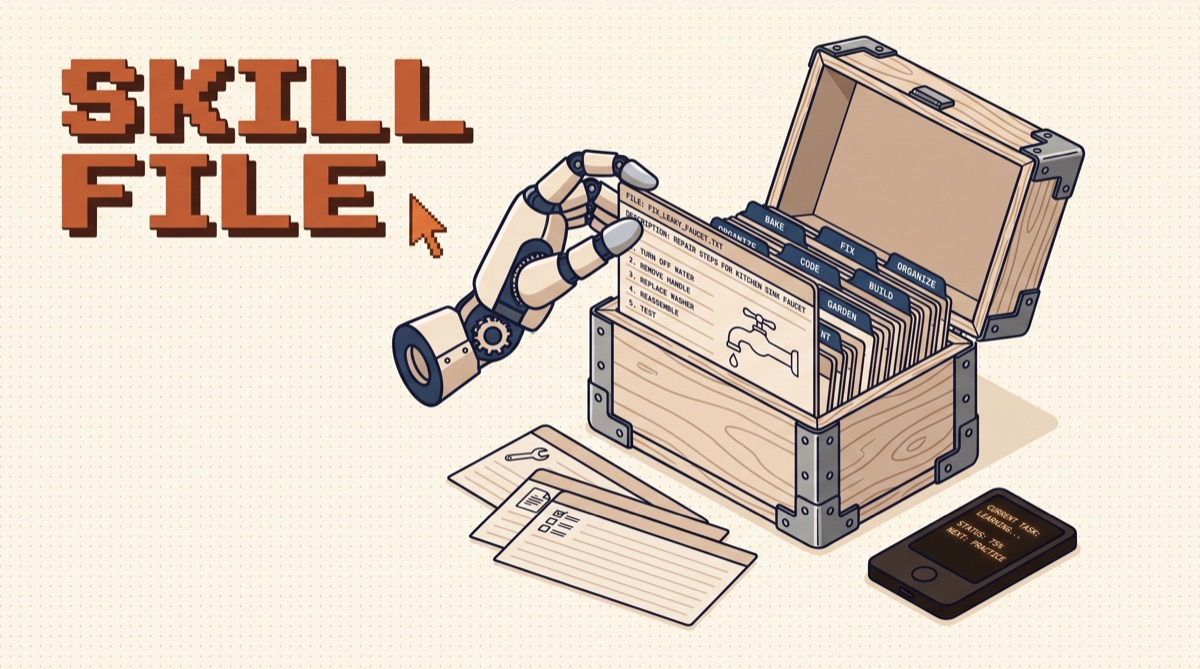
How to create Claude skills: make a folder, add a SKILL.md file with a name and a description in YAML frontmatter, write the procedure in plain markdown below it, and drop the folder in ~/.claude/skills/ (or upload it as a zip in the Claude apps). The description decides when the skill fires, so it gets most of your effort. Then test it with real prompts.
That is the whole format. The rest of this post covers what makes a skill reliable: a description that triggers on the right request, a body that stays short, scripts for the parts that must be exact, and a test loop so edits do not quietly break it.
TL;DR
- A skill is a folder with one required file. SKILL.md holds a YAML header (
name,description) and markdown instructions. Scripts, references, and templates are optional. - The description is the trigger. Claude reads only names and descriptions until a request matches. Write what it does plus when to use it, in the words people actually type.
- Keep SKILL.md lean. Put the procedure in the body and move long references into separate files Claude opens only when needed. Anthropic's guidance is under 500 lines.
- Scripts for anything exact. File conversion, validation, and math belong in a script Claude runs, not in prose Claude reinterprets.
- Test triggers and outputs separately. First check that it fires on ten realistic prompts, then check that what it produces is right.
What a skill is, and when to make one
A skill packages a procedure you would otherwise paste into chat every time. Brand rules for decks. The twelve steps of your release process. How your team writes migrations. The way you want invoices built in Stripe.
The test for "should this be a skill" is simple: you have explained the same thing to Claude three times, and the explanation is longer than a paragraph. Anything shorter belongs in a project instruction or your CLAUDE.md. Anything that needs live data or a new capability (reading Gmail, querying Postgres) needs an MCP server, with a skill on top to teach the procedure for using it.
Skills load in stages, which is what makes them cheap to keep around:
Because only stage one is always loaded, the description carries the whole job of getting the skill picked. A brilliant body behind a vague description never runs.
The anatomy of SKILL.md
Here is a complete, working skill for drafting changelog entries:
---
name: changelog-entry
description: Writes a CHANGELOG.md entry from the current git diff or a list of merged PRs. Use when the user asks to update the changelog, write release notes, summarize what shipped, or prep a version bump.
---

# Changelog entry

1. Run `git log --oneline <last-tag>..HEAD` to list changes since the last release.
2. Group changes under Added, Changed, Fixed, Removed. Drop chores and CI-only commits.
3. Write one line per change, user-facing, past tense, no commit hashes.
4. Insert the block under "## Unreleased" in CHANGELOG.md. Never edit released sections.
5. Show the diff and stop. Do not commit.

Style rules and examples: see reference/style.md
Three parts:
name: lowercase letters, numbers, and hyphens, up to 64 characters. Match the folder name.description: up to 1,024 characters. Two sentences do the work: what it does, then "Use when..." followed by real phrasings.- Body: the procedure. Numbered steps where order matters, rules with the reason attached, and pointers to bundled files instead of pasting them in.
The folder around it can hold more:
changelog-entry/
├── SKILL.md
├── reference/
│   └── style.md
└── scripts/
    └── check_format.py
Claude Code also reads optional frontmatter fields, such as allowed-tools to limit which tools the skill may use, and disable-model-invocation for skills you only want to run yourself as a slash command (deploys are the classic case). Start without them and add them when you have a reason.
Write a description that triggers
Most broken skills are description problems. Compare:
- Weak: "Helps with marketing content."
- Strong: "Writes LinkedIn posts in Jake's voice from a topic, link, or rough notes. Use when the user asks for a LinkedIn post, a hook, a carousel caption, or to repurpose a newsletter or video for LinkedIn."
The strong version names the output, the inputs, and five phrasings a person would actually type. Rules that hold up:
- Lead with the deliverable. "Builds a Stripe invoice" beats "Assists with billing workflows."
- List trigger phrases. Include the verbs and nouns from real requests: "bill," "invoice," "payable link," "charge X for Y."
- Name the boundaries. "Do not use for PDFs, use the pdf skill" stops two skills fighting over the same request.
- Write in third person. The description is injected into Claude's context as a label, so "Writes..." reads cleaner than "I can help you...".
If you have several similar skills, the boundary lines matter more than anything else in the file.
Keep the body lean, push detail into files
The body loads every time the skill fires, so every line is a recurring cost. Write it for a capable colleague who knows the domain but not your conventions. Skip what Claude already knows ("a changelog lists changes"). Keep what it cannot guess ("we never edit released sections because the docs site builds from them").
When the body passes a couple hundred lines, split it. A brand skill might keep the decision table in SKILL.md and move the color tokens to reference/tokens.md, the voice rules to reference/voice.md, and the slide template to assets/template.html. The body says which file to open for which job, and Claude reads only that one.
Two habits that pay off:
- Give the reason with the rule. "Keep titles under 14 characters per line, because the pixel font wraps early" lets Claude handle a case you did not list.
- One level of references. SKILL.md points to files. Files should not point to further files. Deep chains get skipped or partly read.
Bundle scripts for the exact parts
Language is the wrong tool for anything that must come out identical every time. If a step is "convert this to PDF at Letter size with zero margins" or "validate the JSON against this schema," write the script once and have the skill run it:
4. Run `python scripts/check_format.py CHANGELOG.md`. If it exits non-zero,
   fix the lines it reports and run it again before showing the diff.
Claude executes the script and reads only its output, so the script's source never has to enter the context window. That saves tokens and removes a whole class of "it almost followed the format" failures. Good candidates: file conversions, schema validation, linting, calculations, and anything that calls an API with fixed parameters.
Install it where it will be found
Where the folder lives decides who gets it:
| Location | Scope | Use for |
|---|---|---|
~/.claude/skills/<name>/ |
You, every project | Personal voice, your invoicing, your research recipe |
.claude/skills/<name>/ in a repo |
Everyone who clones it | Release steps, migration rules, house code style |
| A plugin | Anyone who installs it | Sharing a set of skills publicly |
| Claude apps (zip upload) | Your account | Using the same skill in chat on web and desktop |
Claude Code picks up new skills in that folder without extra setup. You can also call one directly as a slash command by its name, which is a quick way to confirm it loaded. Because the format is an open standard, published at agentskills.io, the same folder also works in other agent tools that adopted it.
If you want a head start, Anthropic publishes its own skills (PDF, Word, slides, spreadsheets, and a skill-creator that interviews you and writes the SKILL.md). I keep a rundown of the ones worth installing in the Anthropic official skills guide. Before installing anyone else's skill, read every file in it. Skills can run scripts with your permissions, and Skill Scanner covers a free tool that scores a skill for risky patterns before you add it.
Test it like code
A skill has two ways to fail: it does not fire, or it fires and produces the wrong thing. Test them separately.
Trigger test. Write ten prompts that should fire it, phrased the way real people type ("can you update the changelog," "what shipped this week, write it up"), and five that should not ("fix the bug in the changelog parser"). Run each in a fresh session and note whether the skill loaded. Every miss is a phrase to add to the description.
Output test. Keep three to five real inputs with a known good result. After any edit to the body, rerun all of them and compare. Reading one output and deciding it feels better is how skills regress.
Then watch it in real use for a week. Each time you correct Claude while the skill is running, that correction is a missing line in SKILL.md. Add it with the reason, rerun the tests, and commit. Skills in a git repo get a diff for every change, which is the cheapest audit trail you will ever set up.
The bottom line
A Claude skill is a folder, a SKILL.md, and a description good enough to win the match. Spend most of your effort on the description, keep the body to the procedure and the reasons, move anything exact into a script, and test triggers before outputs. Start with the one explanation you have typed into Claude most often this month and turn it into a skill tonight.
I share the skills I actually run, and the ones I deleted, in the OpusJake newsletter.
What is a Claude skill?
A Claude skill is a folder that teaches Claude one repeatable job. At minimum it holds a SKILL.md file: a short YAML header with a name and a description, then plain markdown instructions. It can also bundle scripts, reference docs, and templates. Claude reads only the name and description until a request matches, then loads the instructions, then opens bundled files only if the task needs them. That staged loading is why you can install dozens of skills without filling the context window. Anthropic published the format as an open standard, so the same folder works across Claude.ai, Claude Code, the API, and other agent tools that adopted it.
Where do I put a skill so Claude Code finds it?
Personal skills go in ~/.claude/skills/
Why does my skill not trigger?
Almost always the description. Claude decides whether to load a skill by reading its description alone, so a vague one like 'helps with documents' loses to anything more specific. Rewrite it to say what the skill does and when to use it, and include the actual words people type: file types, verbs, product names, and phrasings such as 'invoice this' or 'make a changelog'. Then test it with five to ten realistic prompts that should trigger and a few that should not. If it still misses, add the missed phrasings to the description, not to the body, because the body is invisible until the skill is chosen.
What is the difference between a skill, a system prompt, and an MCP server?
A system prompt is always on and applies to every turn, so it should hold only what is true everywhere. A skill is on demand: it loads only when a request matches, which makes it the right place for a long procedure you need twice a week. An MCP server gives Claude new tools and live data, such as reading your calendar or querying a database. They stack well. A common pattern is an MCP server that provides the connection and a skill that teaches Claude your procedure for using it, including which calls to make, in what order, and what to check before anything gets sent.
Are third-party Claude skills safe to install?
Treat a skill like any code you download. Skills can include scripts that Claude runs with your permissions, and the instructions themselves can tell Claude to do things you would not approve. Read SKILL.md and every bundled script before installing, prefer skills from sources you can verify, and pin a version instead of pulling whatever is latest. Watch for instructions that send data to outside URLs, read credentials or environment files, or tell Claude to skip confirmations. A scanner that flags risky patterns catches the obvious cases, but reading the files yourself is still the real check.
OpusJake is Jake Schincariol's operating system for building with AI: agents, workflows, prompts, and the free resources behind them. Get the next move every week.