How to Chunk Documents for RAG (Sizes, Overlap, and What Actually Works)
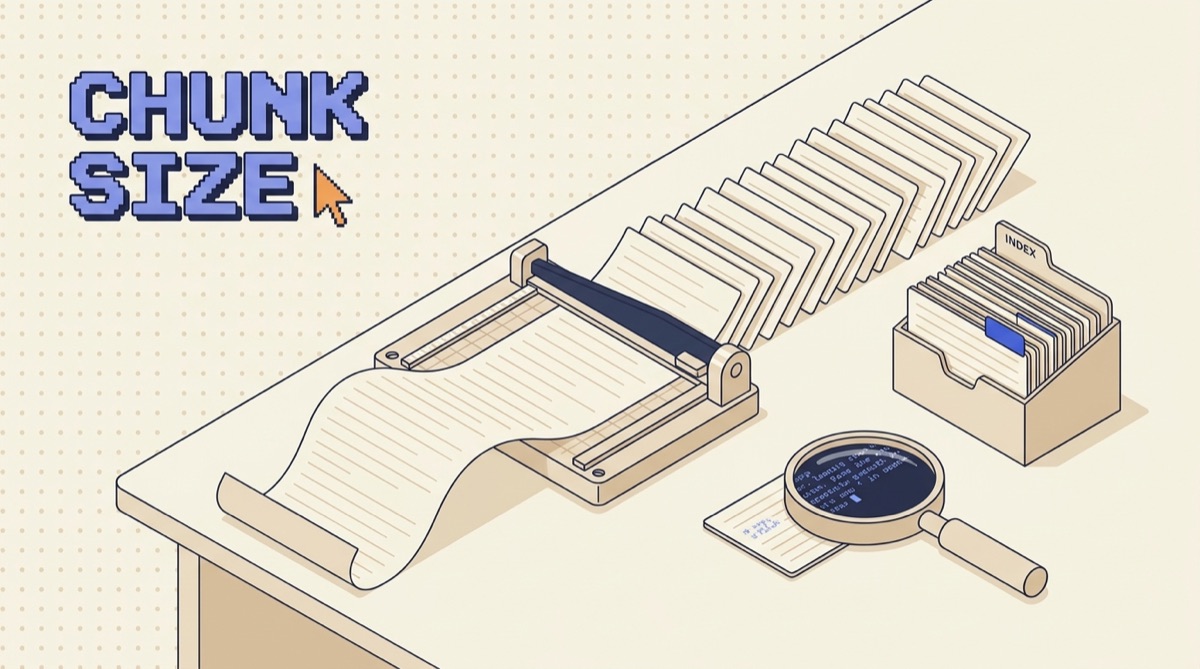
To chunk documents for RAG, split on the document's own structure first (headings, sections, clauses), target 300 to 600 tokens per chunk, add 10 to 15 percent overlap so answers that sit on a boundary survive, and prepend a header trail to every chunk so it still makes sense out of context. Then measure recall at k on a small eval set and adjust from there. Most bad RAG systems are not model problems. They are chunking problems.
TL;DR
- Retrieval returns chunks, not documents. Your chunk boundaries decide what the model can ever see.
- Split on structure (headings, sections, clauses) before you fall back to paragraph, sentence, then character splits.
- Start at 300 to 600 tokens per chunk with 10 to 15 percent overlap. Go smaller for reference material, larger for narrative.
- Prepend the header trail and source to every chunk. A chunk that cannot explain itself will not get retrieved for the right question.
- Measure recall at k on 20 to 50 real questions. Below 80 percent, stop tuning prompts and fix the chunking.
Why chunking decides your RAG quality
A retrieval system does not search your documents. It searches a pile of pieces you cut out of them ahead of time, each turned into a vector. When a question comes in, the retriever compares that question to those vectors and hands back the closest few. The model never sees anything else.
That makes the cut the most consequential decision in the pipeline. If the answer to "what is the refund window for annual plans" lives in a chunk that also covers shipping, taxes, and account deletion, that chunk's embedding is an average of four topics and points at none of them clearly. It loses to a chunk that is worse on substance but tighter on topic. If instead you cut the refund policy in half between the rule and its exception, you can retrieve the rule and confidently return the wrong answer.
Both failures look identical from the outside. The model gives a plausible, wrong response, and the natural instinct is to rewrite the prompt or upgrade the model. Neither touches the actual problem. The fix is upstream, in how the text was split before it ever reached the index.
Split on structure, not on character count
The default in most tutorials is a fixed-size splitter: cut every 1000 characters, move on. It is one line of code and it throws away everything the document was trying to tell you.
Real documents come pre-segmented. A markdown file has headings. A contract has numbered clauses. An HTML page has sections and list items. A transcript has speaker turns and timestamps. A spec has tables with headers. Each of those boundaries was placed by a human who decided one idea ended and another began, which is exactly the decision your splitter is trying to make.
The practical recipe is a cascade. Try each level in order and drop to the next only when a piece is still too large:
- Split on the deepest heading level that produces chunks under your maximum. For markdown, that usually means
##first, then###inside any section that is still oversized. - Fall back to paragraph breaks (a blank line) inside an oversized section.
- Fall back to sentence boundaries inside an oversized paragraph.
- Cut mid-sentence only as a last resort, for things like a single 4000-token table or a wall of un-paragraphed text.
Two format-specific rules matter more than people expect. Never split a table away from its header row, because the rows are meaningless without the column names. And never split a code block, because half a function retrieves badly and reads worse. If a table or code block blows past your maximum, keep it whole and let that one chunk be oversized.
Pick a size, then stop guessing about it
Chunk size is a trade between two failure modes. Too small and the chunk loses the context that makes it meaningful, so a sentence like "this does not apply to enterprise accounts" sits alone with no indication of what "this" is. Too large and the embedding averages several topics, dilutes the signal, and burns context window on text that was not relevant.
Practical starting points, in tokens (roughly four characters each):
- 150 to 300: dense reference material. FAQ entries, API parameter tables, product specs, glossary terms. Each entry is already self-contained, so small chunks stay precise.
- 300 to 600: the default for most prose. Documentation, internal wikis, policies, help center articles, blog content. Big enough for one complete idea plus its supporting detail.
- 800 to 1000: narrative material. Meeting transcripts, interview notes, case studies, incident write-ups. Meaning builds across paragraphs here, so cutting tight destroys it.
Measure in tokens, not characters, and use the tokenizer your embedding model actually uses. A 2000-character chunk of English prose is around 500 tokens, but the same character count of code, JSON, or a language with heavy accenting can be half again as many, and silent truncation at the embedding endpoint is a quiet way to lose the end of every long chunk.
Use overlap, but only a little
Overlap means each chunk repeats the last part of the one before it. It solves one specific problem: the sentence that answers the question straddles a boundary, so half of it is in chunk 12 and half in chunk 13, and neither scores high enough to get retrieved.
Set overlap at 10 to 15 percent of chunk size. On a 500 token chunk, that is 50 to 80 tokens, about two or three sentences of runway. That is enough for a boundary-straddling idea to have one complete home.
Resist going higher. At 50 percent overlap you have roughly doubled your index size, doubled your embedding bill, and made your top 5 results likely to be five overlapping windows of the same passage instead of five different sources. The point of retrieving five chunks is to get five perspectives. Heavy overlap quietly turns that into one.
One useful exception: if you split cleanly on structure, you often need less overlap than the default, because your boundaries already fall where topics genuinely change. Structure-aware chunks at 10 percent overlap usually beat fixed-size chunks at 25 percent.
Give every chunk a header trail
This is the highest-leverage move in the whole process and the one most often skipped.
A chunk gets embedded on its own. If the text reads "Requests are limited to 100 per minute. Exceeding this returns a 429," the embedding has no idea which product, which API, or which plan tier that belongs to. A user asking "what is the rate limit on the billing API" will not match it well, because the words "billing" and "API" never appear in the chunk.
Fix it by prepending the document's own breadcrumb before you embed:
Source: API Reference v3
Section: Billing API > Rate Limits

Requests are limited to 100 per minute. Exceeding this returns a 429.
Now the chunk carries its own address. The header trail costs you 15 to 30 tokens and routinely produces the single biggest jump in retrieval accuracy of anything on this page. Store the same breadcrumb in metadata too, so you can filter by document or section before the vector search runs and cite the exact source in the final answer.
Measure recall at k before you touch anything else
Chunking turns into an argument about taste the moment you stop measuring it. So measure it, with the smallest eval you can get away with.
Write 20 to 50 questions your users actually ask. For each, open the source documents and mark which chunk should be returned. That labeling is the work, and it takes an afternoon at most. Then run each question through retrieval and count: how often does the correct chunk appear in the top 5?
That number is recall at 5, and it is your ceiling. If the right chunk is not in the retrieved set, the model cannot answer correctly no matter how good it is. Below roughly 80 percent, every hour you spend on prompt engineering is wasted. Above 90 percent and your remaining errors are generation problems, which is a different fix.
Now the knobs become measurable. Change chunk size from 500 to 300 and re-run the set. Add the header trail and re-run. Switch from fixed-size to heading-based splits and re-run. Keep the changes that move the number and revert the ones that do not. This is the same discipline that makes agents shippable rather than demo-able, and it is worth reading the broader version in How to Test an AI Agent Before You Ship It.
Two more things worth checking while you have the eval set open. Look at what came back in positions 1 through 5 when retrieval failed, because near-duplicate results usually mean too much overlap and wildly off-topic results usually mean chunks that are too large. And check the chunks nobody ever retrieves, since a chunk that never wins for any question is often a fragment that should have been merged with its neighbor.
A working default you can ship today
If you want one configuration to start from and tune later:
- Split on markdown or HTML headings, cascading to paragraph then sentence.
- Target 500 tokens per chunk, hard maximum 800.
- Overlap 60 tokens.
- Prepend
Source:andSection:lines to every chunk before embedding. - Store
doc_id,section_path,url, andupdated_atas metadata on every chunk. - Never split tables from headers or break code blocks.
- Drop chunks under 50 tokens by merging them into the previous one.
- Retrieve the top 10, then rerank down to 5 before the chunks reach the model.
That last line is worth the extra call. A reranker reads the question and each candidate chunk together rather than comparing pre-computed vectors, so it catches relevance that pure embedding similarity misses. It is usually a bigger accuracy gain than any further chunk size tuning.
For the wider decision of whether retrieval is even the right approach for your use case, RAG vs Fine-Tuning covers when to fetch and when to train. And if you want the tool setup I actually run this on day to day, that is in the AI daily driver stack. New builds and patterns go out in the newsletter each week.
The bottom line
Chunking is not preprocessing. It is the step that determines the upper bound on everything downstream, because the retriever can only return pieces you decided to create. Split on the document's own structure, keep chunks around 500 tokens with light overlap, prepend the header trail so each chunk can explain itself, and label 30 questions so you can tell whether a change helped. Do those four things and most RAG systems stop hallucinating without a single change to the prompt or the model.
What is chunking in RAG?
Chunking is the step where you cut a long document into smaller pieces before you embed them and store them in a vector database. Retrieval does not return documents. It returns chunks. Whatever boundaries you draw at this step decide what your model can actually see at answer time, because the retriever can only hand back the units you created. Cut a policy in half through the middle of a rule and neither half contains the whole rule, so no amount of prompt tuning at the other end will recover it. Chunking is the cheapest place to fix retrieval quality and the most common place people never look.
What is the best chunk size for RAG?
Start at 300 to 600 tokens per chunk, which is roughly 1200 to 2400 characters or two to four solid paragraphs. That range is big enough to hold one complete idea with its supporting detail and small enough that the embedding still points at one topic instead of averaging three. Go smaller (150 to 300) for dense reference material like FAQs, API parameters, and product specs where each entry is self-contained. Go larger (800 to 1000) for narrative material like meeting transcripts and case studies where meaning builds across paragraphs. Treat these as starting points and let your eval set move them, not a rule.
How much chunk overlap should I use?
Ten to fifteen percent of the chunk size, which is about 50 to 80 tokens on a 500 token chunk. Overlap exists to protect against one specific failure: a sentence that answers the question sits right on a boundary, so half the context lands in one chunk and half in the next, and neither scores well enough to be retrieved. A small overlap gives that sentence a complete home in at least one chunk. Do not go past about 20 percent. Heavy overlap inflates your index, drives up embedding cost, and floods the top results with near-duplicate chunks that crowd out genuinely different sources.
Should I chunk by fixed size or by document structure?
By structure, with fixed size only as a fallback. A document already tells you where the natural seams are: markdown headings, HTML sections, numbered clauses, slide boundaries, speaker turns. Splitting on those seams produces chunks that each cover one coherent topic. Fixed-size splitting ignores all of it and cuts every N characters, which routinely severs a table from its header or a definition from its term. The practical recipe is to split on the deepest heading level first, then fall back to paragraph breaks, then sentence breaks, and only cut mid-sentence when a single block genuinely exceeds your maximum.
How do I know if my chunking is working?
Build a small eval set and measure retrieval directly instead of judging the final answer. Write 20 to 50 real questions, and for each one mark which chunk should be returned. Then measure recall at k: for what share of questions does the correct chunk appear in the top 5 results? Below about 80 percent, your problem is chunking or retrieval, not the model. Fix that before touching the prompt. When you change chunk size, overlap, or the splitting rule, re-run the same set and compare the number. That turns chunking from taste into a measurable knob.
OpusJake is Jake Schincariol's operating system for building with AI: agents, workflows, prompts, and the free resources behind them. Get the next move every week.