How to Choose an AI Model: Match the Tier to the Job
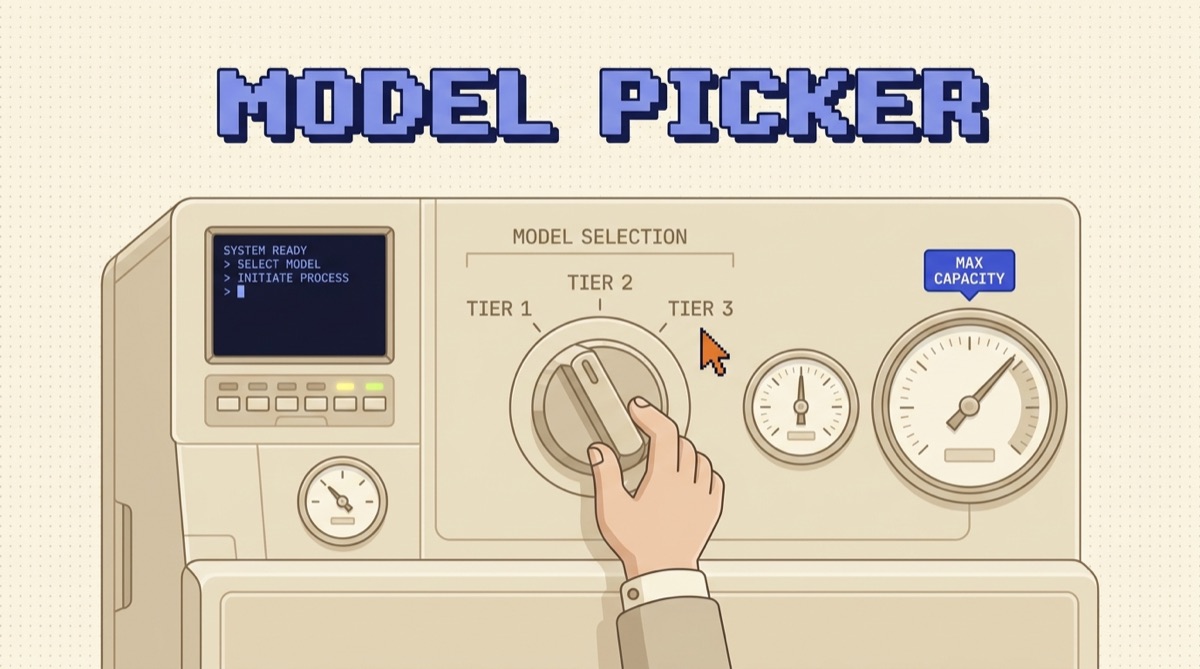
To choose an AI model, start from the task and pick the smallest, cheapest model that clears your accuracy bar on real examples. Providers ship three tiers: a fast one for simple work, a balanced one for most production tasks, and a frontier one for hard reasoning. Most builders should start on the balanced tier and move up only when the cheaper model fails a test built from their own data. The leaderboard does not decide this. Your test set does.
TL;DR
- Decide from the task, not the model name. Write down the accuracy bar, the latency need, the call volume, and the input size before you look at any model.
- Models come in three tiers: fast (cheap, simple work), balanced (the default workhorse), and frontier (hard reasoning, highest cost).
- Start on the balanced tier. Move up only when it fails cases you actually care about, and move down when it is obvious overkill.
- Test on your own data. Build 20 to 50 real examples with accepted answers and score candidates on those, not on public benchmarks.
- Context window size is a requirement to check, not a quality ranking. Bigger does not mean smarter.
Start with the task, not the model
The most common mistake is picking a model first and then bending the task to fit it. Flip that. A model is a tool with a cost, a speed, and a quality ceiling, and the only question that matters is which tool clears your bar for the least money and time.
So describe the job in plain terms before you shop. Is it classification, extraction, summarizing, drafting, reasoning over long documents, or writing code? Is a person waiting on the answer, or does it run in a background queue? How many times will you call it per day? Get those on paper and the choice narrows fast, because most tasks do not need the best model, they need a good-enough model that is cheap and quick.
The three tiers, in plain terms
Every major provider ships the same shape: a small fast model, a mid balanced model, and a large frontier model. The names change, the pattern does not. In Claude terms that is Haiku (fast), Sonnet (balanced), and Opus (frontier), with Fable as a distinct creative option. OpenAI and Google split their lineups the same way.
The trade is always the same. As you climb the tiers you gain reasoning quality and lose speed and money. A frontier model can hold a hard multi-step problem together where a fast model falls apart, but it also costs several times more per call and takes longer to respond. That gap is the whole game. You are not looking for the best model, you are looking for the point where paying more stops buying you anything your task needs.
The five questions that decide it
You do not need a spreadsheet. Five questions settle almost every model choice, and the first one is a gate: if the cheap model already clears your accuracy bar, the other four barely matter.
Walk them in order. Accuracy: decide how wrong an answer is allowed to be. Tagging support tickets can tolerate the odd miss. Generating a legal summary cannot. Latency: if a person is staring at a spinner, a fast model that answers in a second beats a frontier model that takes eight, even at slightly lower quality. Volume: multiply your calls per day by the price per call. A model that costs a few cents more looks harmless until you run it a million times a month. Context: check that the input you send fits, and remember that a long document at high volume gets expensive fast. Tools: agent-style work that chains tool calls and follows long instructions leans harder on the balanced and frontier tiers, where instruction-following holds up.
Test on your own data, not the leaderboard
Benchmarks rank models on generic tasks. They do not know your documents, your format, or your definition of a good answer. A model that tops a public leaderboard can still miss on the exact thing you need, and a cheaper model can quietly beat it on your narrow task.
So build a small test set. Twenty to fifty real examples from your use case, each paired with the answer you would accept in production. Run every candidate through it and score them on the metric you actually care about. This is the single highest-return hour in the whole process, because it turns model choice from a guess into a measurement. It is also the same discipline behind how to test an AI agent before you ship it, just applied one layer down at the model.
Start expensive, then move down
Here is the counterintuitive part. When you are still figuring out whether the task is even possible, prototype on the frontier model. You want to remove the model as a variable so you can tell whether a failure is your prompt or the model's ceiling. If the best model cannot do the task, no amount of prompt tuning on a cheaper one will save it.
Once it works, move down. Swap in the balanced model and rerun your test set. If it still passes, try the fast model. Stop at the cheapest tier that clears the bar. This "start expensive, ship cheap" path costs a little more during development and saves a lot in production, which is where the calls actually pile up. It pairs directly with how to cut your AI API bill without hurting quality: the cheapest reliable model is the biggest single lever on cost.
Route between models when it pays
You are not locked into one model for the whole app. Plenty of production systems route: send easy calls to the fast tier and hard ones to the frontier tier, sometimes using a cheap model to classify the request first and decide where it goes.
Routing earns its complexity when your traffic is lopsided, when most requests are simple and a small slice is genuinely hard. Then paying frontier prices only on that slice, and fast prices on the rest, beats running everything on one middle model. But it is real code to build and maintain, so do not start there. Ship on a single model, measure where it struggles, and add routing only when the numbers say the split is worth it. If you want a picture of which models to keep on hand for which jobs, The AI Daily Driver Stack lays out a working default set.
The bottom line
Choosing an AI model is not about finding the smartest one. It is about matching a tier to a task and paying no more than the task needs. Write down what the job actually requires, start on the balanced tier, prototype on the frontier model when you need to prove the task is possible, then move down to the cheapest model that passes a test built from your own data. Do that and you get answers that are good enough, fast enough, and cheap enough to run at scale, which is the only combination that ships.
Want the practical builder playbooks as they drop? Join the newsletter. One email, no fluff, the tools and patterns worth keeping close.
How do I choose the right AI model for my project?
Start from the task, not the model. Write down the accuracy bar the output has to clear, whether a human is waiting on the response, how many calls you will make per day, and how much input each call carries. Then pick the smallest, cheapest model that passes your own test on real examples. Providers ship a fast tier, a balanced tier, and a frontier tier. Most production work runs fine on the balanced tier, so start there and move up only when the cheaper model fails on cases you actually care about. The leaderboard does not decide this. Your own test set does.
Should I always use the most powerful AI model?
No. The most powerful model is the slowest and most expensive, and for a lot of work it is overkill. Classification, extraction, short drafts, and routing rarely need frontier reasoning. Using a frontier model everywhere means you pay top price and wait longer on tasks a smaller model would nail. Reserve the frontier tier for the hard slice: multi-step reasoning, tricky code, long documents, and cases where a wrong answer is expensive. Run everything else on a cheaper tier and you cut both your bill and your latency.
How do I compare AI models before committing?
Build a small test set of 20 to 50 real examples from your own use case, each with the answer you would accept. Run every candidate model against it and score them on the thing you care about, which is usually accuracy, but might be latency or cost per call. Public benchmarks tell you how a model does on generic tasks, not on yours. A model that tops a leaderboard can still miss on your specific documents or format. Your test set is the only comparison that predicts production.
Does a bigger context window mean a better model?
Not by itself. A large context window lets you send more input per call, which matters for long documents or big codebases, but it does not make the model reason better. Two models with the same context window can differ a lot in quality, and stuffing a huge context full of loosely related text often makes answers worse, not better. Treat context size as one requirement to check against your task, not a headline number that ranks models.
OpusJake is Jake Schincariol's operating system for building with AI: agents, workflows, prompts, and the free resources behind them. Get the next move every week.