What Is Prompt Caching? How to Cut LLM Cost and Latency on Repeat Context
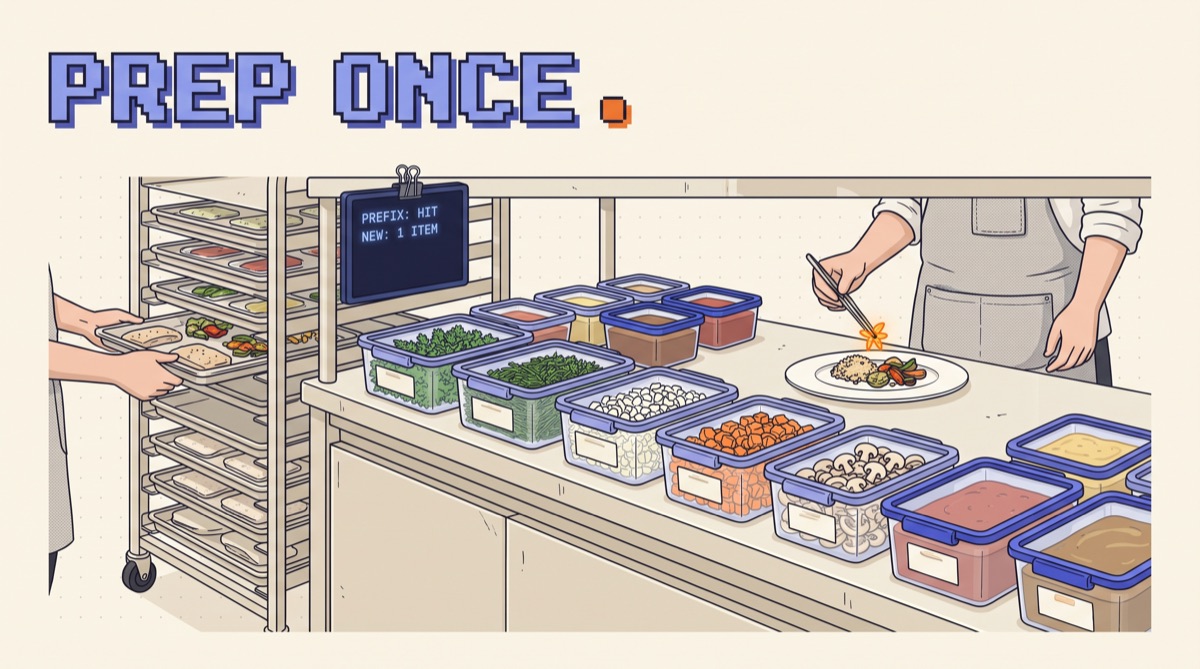
Prompt caching is a feature of LLM APIs that stores the processed start of a prompt so the next request that begins with the same tokens skips that work. Cached input is billed at a fraction of the normal price (often about 10%) and returns the first token faster. You get the discount only when the prefix matches exactly, so prompt order decides whether it pays.
If you run an agent, a chat product, or anything that sends the same system prompt and tool list on every call, caching is the cheapest optimization you will ever ship. It does not touch quality. It only needs your prompts laid out in the right order.
TL;DR
- Caching reuses an exact prefix. The provider stores the computed state of the first N tokens. A later request that starts with the identical N tokens reads them back cheaply.
- Stable on top, volatile on the bottom. Tools, system prompt, reference docs, then conversation history, then the new message. One changed token high up breaks everything below it.
- The math is lopsided. On Anthropic a 5-minute cache write costs 1.25x normal input and a read costs 0.1x, so it pays for itself on the second call.
- Agents benefit most. A 30-turn agent loop resends its whole context 30 times. Caching turns most of that into 10%-priced reads.
- Measure it. Every provider reports cached tokens in the usage block. If that number is zero, you are paying full price.
How prompt caching works
When a model reads your prompt, it computes internal state (the key-value attention cache) for every token before it writes a word. That prefill step is where most of your input cost and your time to first token go.
Prompt caching saves that state for a prefix of the prompt. On the next request, the provider checks whether your prompt starts with the same tokens as something it has stored. If it does, it loads the saved state and only computes the new tail. Nothing about the model's reasoning changes. It just skips redoing work it already did.
Two consequences follow. First, matching is by prefix, not by content anywhere in the prompt. The same document pasted in a different position is a miss. Second, the match is exact. A single different character in the system prompt invalidates the cache from that point to the end.
How each provider does it
The idea is the same everywhere. The controls differ.
Anthropic (Claude). You mark the end of the cacheable prefix with a cache_control breakpoint on a content block, and you can set up to four breakpoints. The cache covers tools, then system, then messages, in that order. The default lifetime is about five minutes and refreshes on every hit, with an optional one-hour lifetime. Writes cost 1.25x base input (2x for the one-hour cache) and reads cost 0.1x. The response reports cache_creation_input_tokens and cache_read_input_tokens.
OpenAI. Caching is automatic for prompts of 1,024 tokens or more, matched in 128-token steps. There is no write premium and no code change. Cached tokens show up in usage.prompt_tokens_details.cached_tokens, and the discount depends on the model, so check the pricing page for yours. You can pass a prompt_cache_key to improve routing when many requests share a prefix.
Google (Gemini). Recent Gemini models do implicit caching automatically. For large, long-lived context such as a big document set, you can create an explicit cache with a time to live, which charges a storage fee per hour on top of discounted reads.
Prices and minimums move, so treat the numbers above as the shape of the deal and confirm against the docs before you budget.
The break-even math
Caching is only worth it if the prefix is reused before it expires. Here is the arithmetic on Anthropic's pricing, measured in units of one uncached prefix.
- Two calls, 5-minute cache: uncached is 2.0. Cached is 1.25 (write) + 0.1 (read) = 1.35. You save 32% across the two calls.
- Ten calls: uncached is 10.0. Cached is 1.25 + 9 × 0.1 = 2.15. You save 78%.
- One-hour cache, two calls: 2.0 + 0.1 = 2.1, which costs more than uncached. It breaks even on the third call.
Now a real shape. Say a support agent has 6,000 tokens of tools, 4,000 of system prompt, and 12,000 of policy docs: a 22,000-token prefix. A conversation runs 15 turns. Without caching you pay full input on 330,000 prefix tokens. With caching you pay one write and fourteen reads, roughly the cost of 58,000 tokens. Same answers, about 82% less on the prefix, and noticeably faster first tokens on long contexts.
The case where caching loses: one-off calls with a unique prompt, or traffic so sparse the cache expires between requests. On Anthropic you would pay the 25% write premium for nothing. On OpenAI there is no penalty, so leave it on.
How to structure prompts for cache hits
Everything comes down to keeping the top of the prompt byte-identical across calls.
- Order by volatility. Tools first, then system prompt, then static reference material, then conversation history, then the new turn. The stable parts form one long shared prefix.
- Strip dynamic values from the prefix. No current date, request ID, or user name in the system prompt. If the model needs today's date, put it in the latest user message.
- Freeze tool definitions. Serialize tools in a fixed order with stable key ordering. Loading tools from a set or a dict that shuffles is a silent cache killer. Adding or removing one tool mid-session invalidates everything after it.
- Make history append-only. Agent loops are perfect for caching because each turn adds to the end. If you summarize or trim old turns, do it rarely and in big steps, since every rewrite costs a fresh cache write.
- Place the breakpoint after the last stable block. On Anthropic, put one breakpoint on the final message of the history so each new turn reads everything before it. Add a second one at the end of the system prompt or documents so a new conversation still reuses the shared part.
- Pick one model per session. Caches are per model. Switching models mid-conversation starts from zero.
This is the same discipline that makes agents reliable in general. If you build agents as loops rather than one-shot prompts, the Write Loops, Not Prompts guide shows the structure, and a loop with an append-only history is already most of the way to cache-friendly.
A minimal Claude example
Here is the pattern on the Anthropic API. The big, stable system prompt gets a breakpoint, and the latest message gets one so the growing history is cached turn over turn.
import anthropic
client = anthropic.Anthropic()

resp = client.messages.create(
    model="claude-sonnet-5-5",
    max_tokens=1024,
    tools=TOOLS,  # fixed list, fixed order
    system=[{
        "type": "text",
        "text": SYSTEM_PROMPT + POLICY_DOCS,  # no dates, no user names
        "cache_control": {"type": "ephemeral"},
    }],
    messages=history + [{
        "role": "user",
        "content": [{
            "type": "text",
            "text": f"Today is {today}. {user_msg}",
            "cache_control": {"type": "ephemeral"},
        }],
    }],
)
print(resp.usage.cache_creation_input_tokens, resp.usage.cache_read_input_tokens)
On the first call you should see a large cache_creation_input_tokens. On the second call within five minutes, that number shrinks to the new turn and cache_read_input_tokens carries the prefix. If reads stay at zero, something above the breakpoint changed.
How to tell if caching is working
Do not assume. Measure it the same way you would any cost lever.
- Log cache fields on every response. Track the hit ratio: cached input tokens divided by total input tokens. A healthy agent sits well above 70% once a session warms up.
- Diff two misses. When a call that should hit does not, dump both prompts and diff them. The first differing line is your culprit.
- Watch time to first token. On prompts of tens of thousands of tokens, a cache hit usually cuts it sharply. If latency did not move, check the hit ratio.
- Keep warm traffic in mind. A cache that expires between user messages never pays. For a slow-paced chat, the one-hour option can beat repeated five-minute writes.
The bottom line
Prompt caching is free money for anyone resending the same context: put tools, system prompt, and reference docs in a frozen prefix, append history, put anything that changes in the newest message, and log the cached-token count to prove it works. It does not change a single answer. It changes what the answers cost and how fast they start.
I write up the cost and reliability fixes I actually ship, with the numbers, in the OpusJake newsletter.
What is prompt caching in simple terms?
Prompt caching lets an LLM provider remember the processed version of the start of your prompt. When your next request begins with exactly the same tokens, the provider skips recomputing that part and bills it at a steep discount, often around a tenth of the normal input price. Only the new tokens at the end are processed at full price. It changes nothing about the answer, because the model sees the same prompt either way. It only changes cost and time to first token, which is why it matters most for agents, chat apps, and anything that resends a long system prompt, tool list, or document on every call.
Does prompt caching change the model's output?
No. A cache hit reuses the model's internal computation for a prefix that is byte-for-byte identical to what you would have sent anyway, so the output distribution is the same as an uncached call. What changes is the bill and the latency. If you see different answers after turning caching on, the cause is something else: a changed prompt, a different model version, or sampling randomness from temperature. Caching is safe to enable on production traffic without re-running your quality evals, though you should still check the usage fields to confirm it is actually hitting.
How long does a prompt cache last?
It depends on the provider. Anthropic's default cache lives about five minutes and the timer resets every time the cache is read, with an optional one-hour cache at a higher write price. OpenAI's automatic cache usually clears after several minutes of inactivity and can last up to about an hour off peak. Google's explicit context caches let you set a time to live and charge for storage while they exist. The practical rule: caching pays off when the same prefix is reused within minutes, so it suits active sessions, agent loops, and steady traffic far better than a job that runs once a day.
What is the minimum prompt length for caching?
Providers only cache prefixes above a floor. OpenAI starts at 1,024 tokens and caches in 128-token increments. Anthropic's minimum is 1,024 tokens on many models and higher on others, so check the current docs for the model you use. A short prompt below the floor is simply processed normally, with no error and no discount. If your system prompt is just under the minimum, it can be worth moving stable material such as tool definitions, style rules, or reference examples into the prefix so the whole block crosses the threshold and starts getting cached.
Why is my prompt cache not hitting?
Almost always because something near the top of the prompt changes between calls. The usual culprits are a timestamp or request ID in the system prompt, a user's name injected before the shared instructions, tool definitions serialized in a different order, JSON keys that shuffle, or switching models mid-session. Any single changed token invalidates the cache from that point on. Log the cache read and cache write token counts on every response, diff two consecutive prompts that missed, and move whatever differs below the stable prefix.
OpusJake is Jake Schincariol's operating system for building with AI: agents, workflows, prompts, and the free resources behind them. Get the next move every week.